1. Click the Save as Image button on the Standard toolbar.
ick Save.
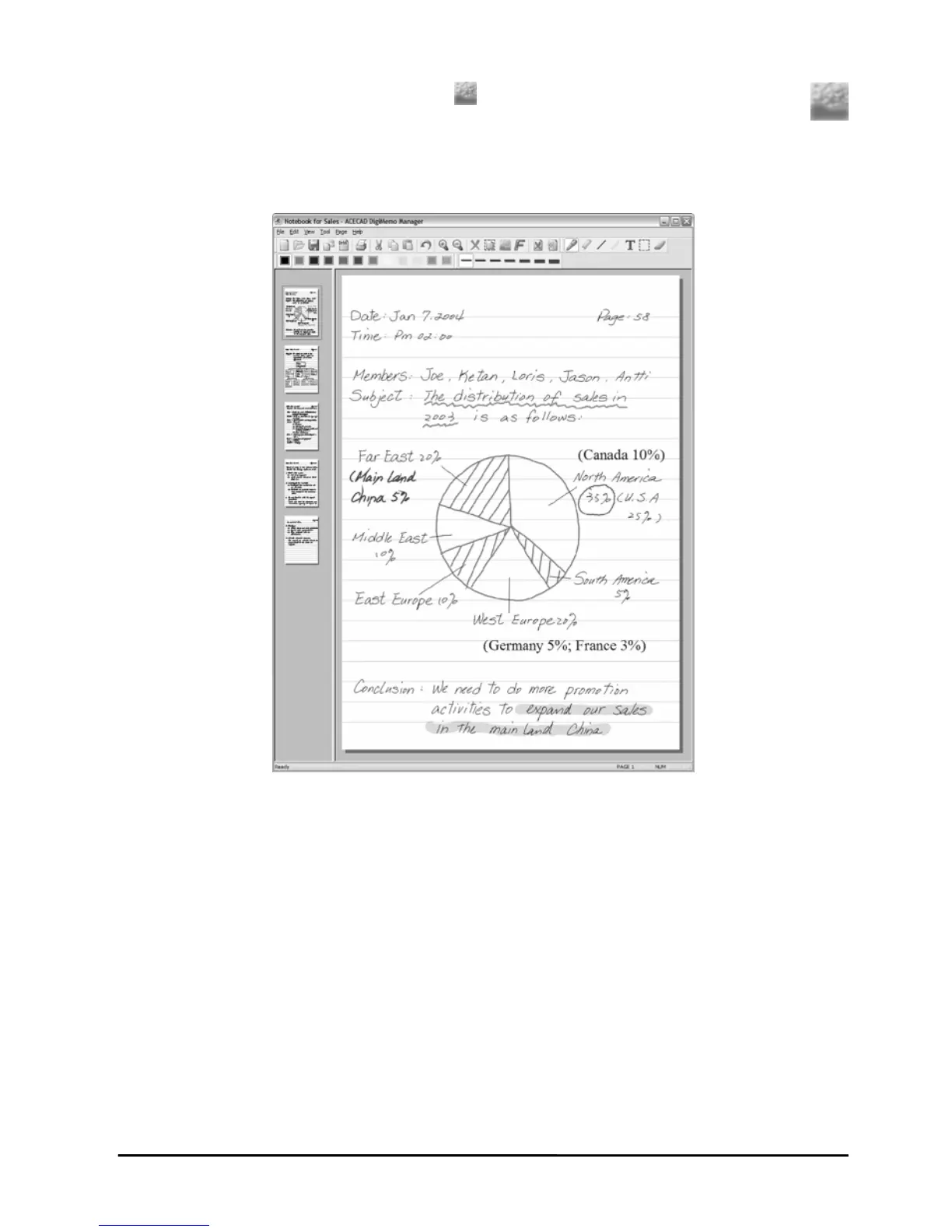
Sample of an Edited e-Book File
riting Your Notes
B port, you
On-li tion in the DigiMemo Manager software. By
ital pen on the pad, the On-line Writing function can instantly
paper with the current page in the software
riting on the paper in the lower-left corner of the
pe wer-left corner of the current page in the software
ne Writing function, we
t paper page on the pad
2. In the dialog box, select a file type and enter a file name. Cl
On-line W
When the digital pad is connected to your computer through a US
can use the ne Writing func
using the dig
synchronize your writing on the
window. For example, your w
pad instantly ap ars in the lo
window.
Note! Before you write or draw by using the On-li
recommend that you already switch to the righ
and switch the right current page in the software window.
23 23


 To Next Page