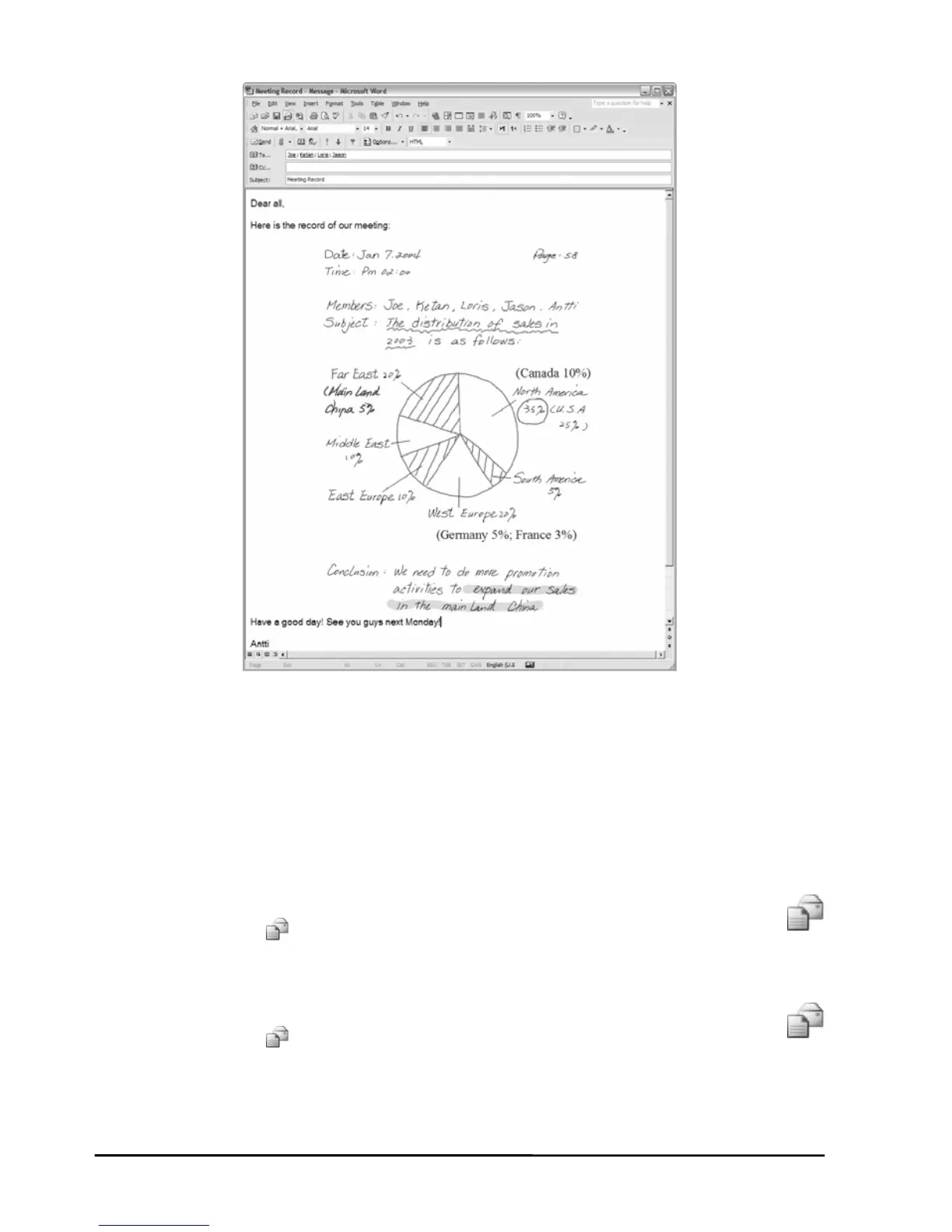
You can not use this copy or move technique in an Outlook
Express e-mail message.
Note!
z In an e-
Note!
mail message, insert your e-Book file as an attachment.
To view and edit your e-Book file, the recipient must have the
DigiMemo Manager software. If he or she does not have this
software, please download it on the ACECAD website.
http://www.acecad.com.tw/digimemo/download.html
z Open your e-Book file in the DigiMemo Manager software. Click the
E-mail button
on the Standard toolbar. In the dialog box, select
the Attach your e-Book file option. Click OK. Your e-Book file will
be attached to a new e-mail message.
Open your e-Book file in the DigiMemo Manager software. Click the
z
E-mail button
on the Standard toolbar. In the dialog box, select
of your e-Book file will be
w e-mail message.
the Attach images option. Click OK. Every page
saved as a JPG image file and be attached to a ne
26


 To Next Page