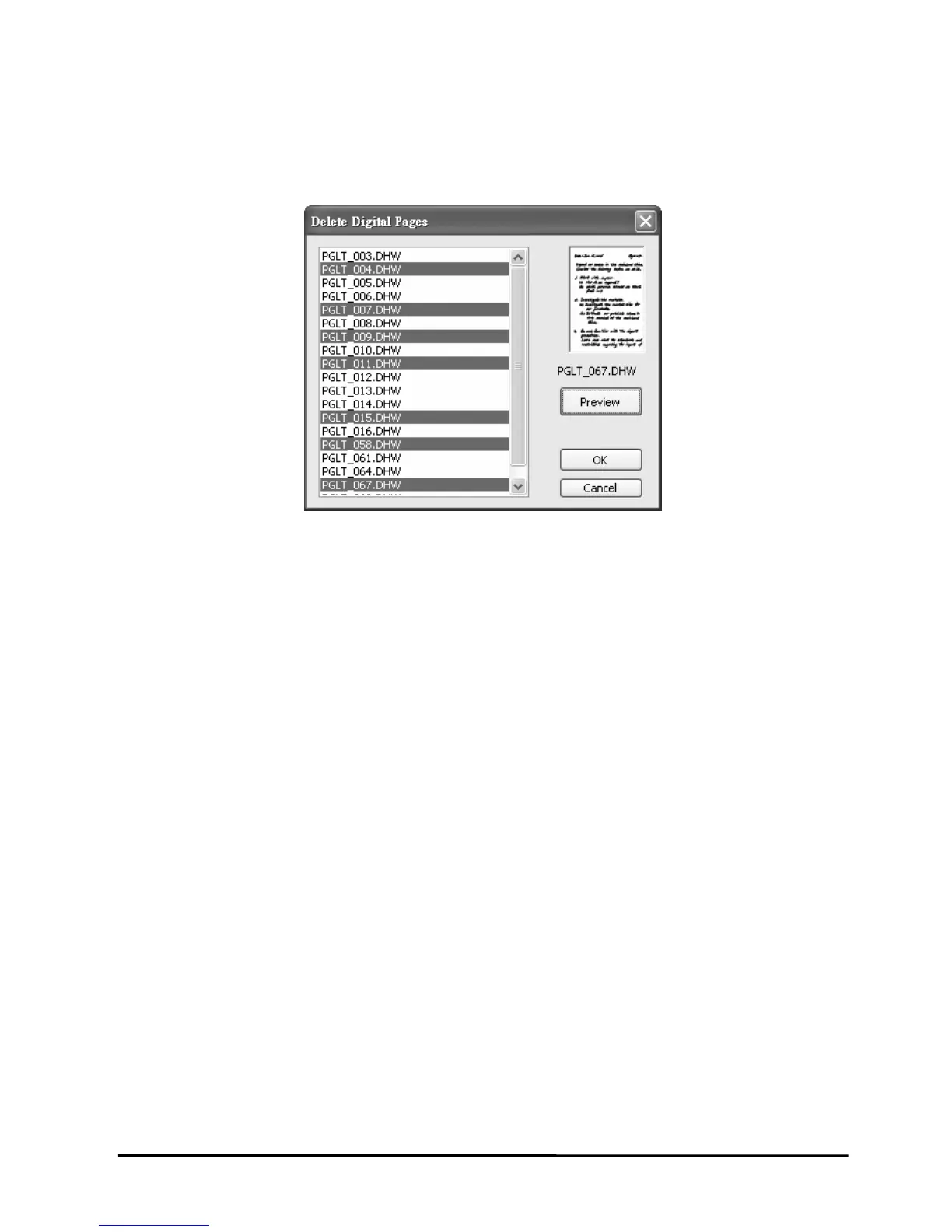
4. To select nonadjacent digital pages, click one d
down the CTRL key and click each additional digi
igital page, and then hold
tal page.
5. Click O
To select adjacent digital pages, click the first digital page in the sequence,
and then hold down the SHIFT key and click the last digital page.
To preview a digital page, select the digital page and click Preview.
K. The digital pages you select will be deleted.
29


 To Next Page