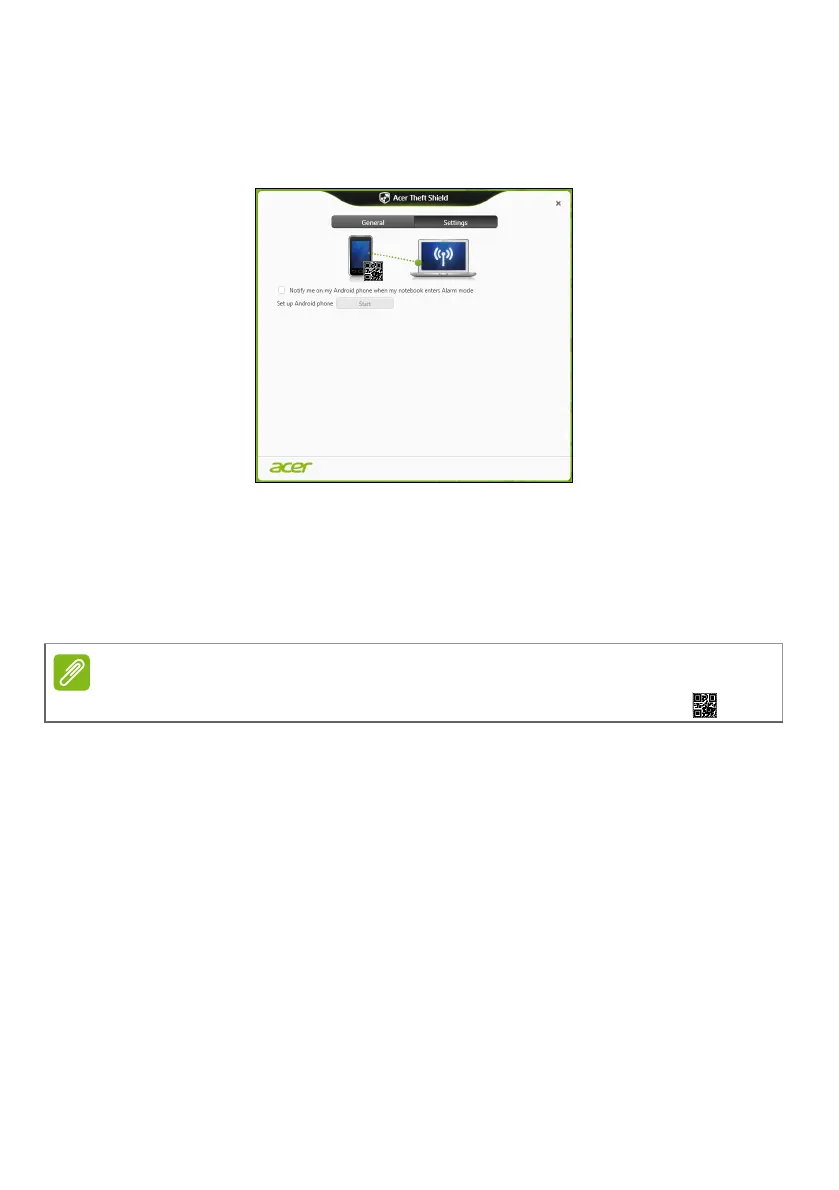
44 - Acer Theft Shield
Settings
The Settings page allows you to change alarm settings and also set
up notifications on your Android phone.
Tap Edit under Configure your notebook’s Wi-Fi hotspot network to
change the SSID that your notebook will broadcast while linking to
your Android cellphone.
You can also change the alarm notification duration from the drop-
down menu under Alarm mode settings.
To view the QR code to download the Android app again, click the icon.





 To Next Page