2
Attaching/removing the base
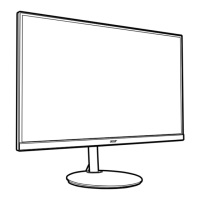
Installation: Align the base with the stand and push the base towards the top of the monitor, and
then rotate the base clockwise. Tighten the screw clockwise.
Remove: Reverse the steps to remove the base.
Note: Take care when performing the installation to avoid injuring yourself.
If installing with a wall mounting kit, install 2 extension columns into the copper stud in the back
cover (as below picture),it is recommended to use VESA mounting kit(100x100) with M4x14(L)mm
screws to fix your monitor on the wall.



 To Next Page