9
English
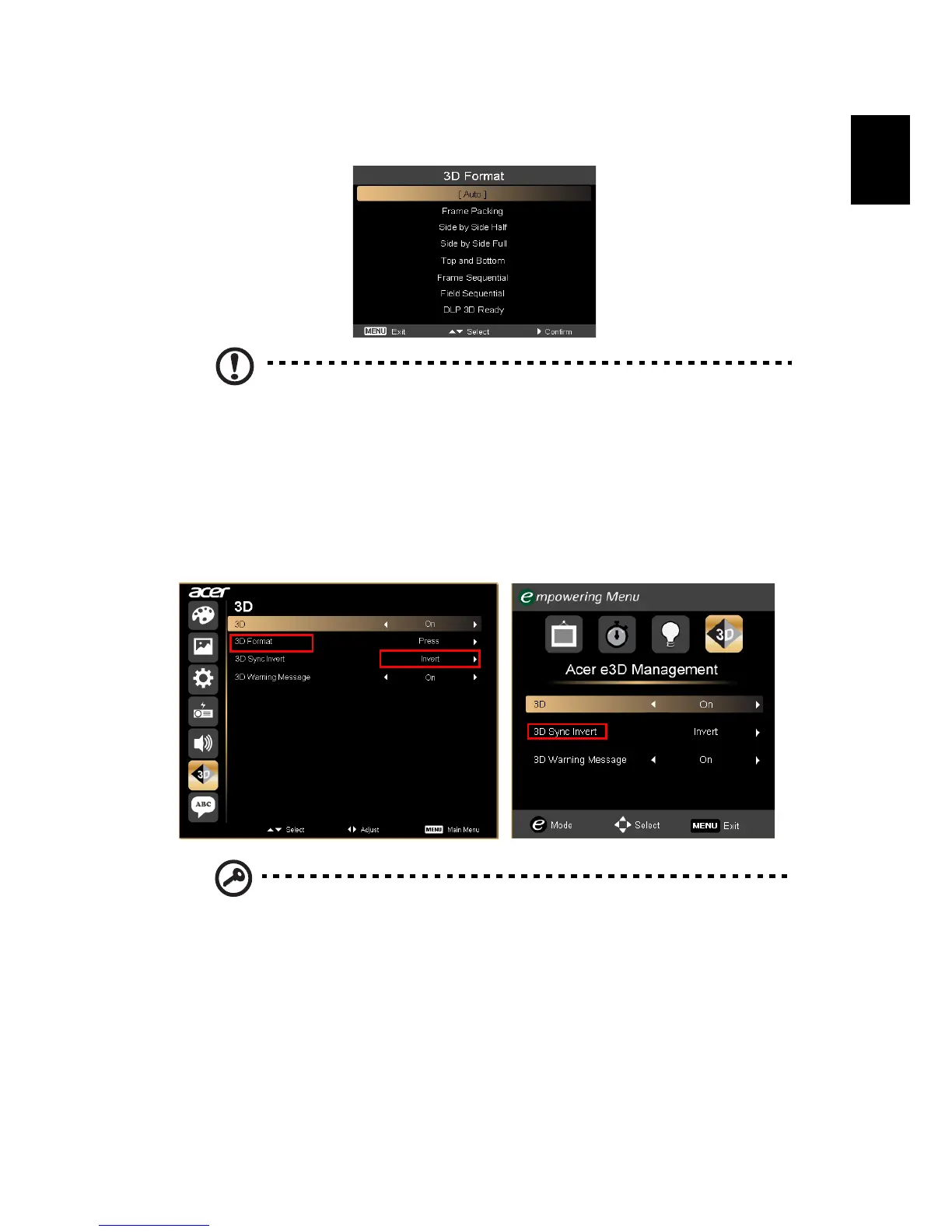
5 "3D Format" shows while no enough info, please choose suitable one for
correct 3D displaying.
Note:
1. The "3D Format" is only available for HDMI 1.4 or 2nd
generation 3D projectors.
2. The "Frame Packing" is only existed at HDMI 1.4 or later input.
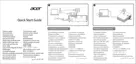
6 If you find that the 3D content is not displaying properly, try selecting 3D
Sync Invert from the projector OSD or Acer e3D Management for frame /
field sequential 3D format. Otherwise, try to change the
3D Format to
match the 3D signal.
Important: If you have an NVIDIA graphics card and the
NVIDIA 3D
Vision/ 3DTV Play
drivers installed, you may need to disable the



 To Next Page