Your Predator notebook tour - 11
Information on USB 3.0
• USB 3.0 compatible ports are blue.
• Compatible with USB 3.0 and earlier devices.
• For optimal performance, use USB 3.0-certified devices.
• Defined by the USB 3.0 specification (SuperSpeed USB).
Right view
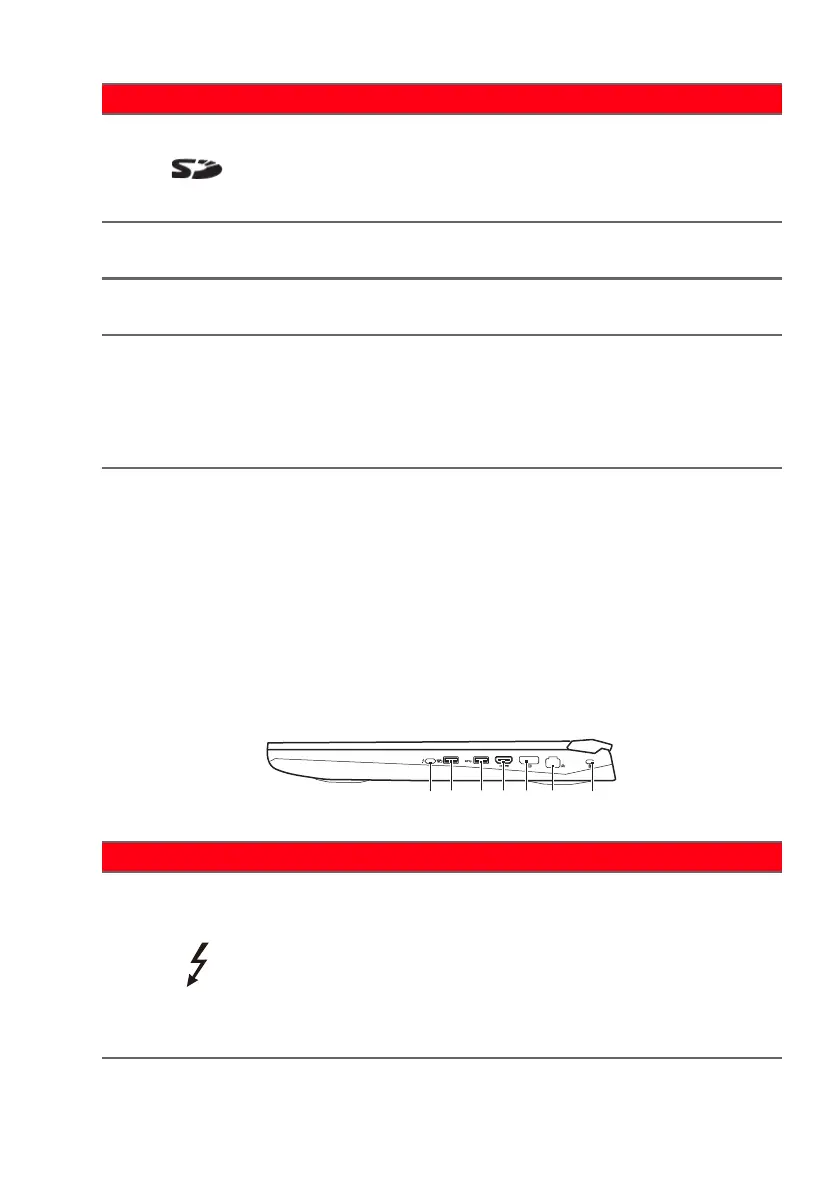
5
SD card
reader
Accepts one Secure Digital (SD
or S
DHC) card.
Only one card can operate at a
time.
6 Optical drive
Internal optical drive; accepts
CDs or D
VDs.
7
Optical drive
eject but
ton
Ejects the optical disk from the
drive.
8
Emergency
eject hole
Ejects the optical drive tray
when the
computer is turned off.
Carefully insert a straightened
paper clip to eject the optical
drive tray.
# Icon Item Description
# Icon Item Description
1
USB Type-C /
Thunderbolt 3
port
Connects to USB devices that
adopt the USB Type-C
connector.
Supports Thunderbolt 3,
displays, and USB 3.1 Type-C,
Gen 2 with transfer speeds up to
10 Gb/s.



 To Next Page