Acer S200 Smartphone User Guide36
Tap the Sort by drop-down menu in the top-right of the mes-
saging screen, and select an option from the list.
Note: For further information on options available to you when
creating, replying to and sorting SMS and MMS messages, refer to
the Help menus.
Email
Your smartphone uses Outlook
Mobile to manage email accounts.
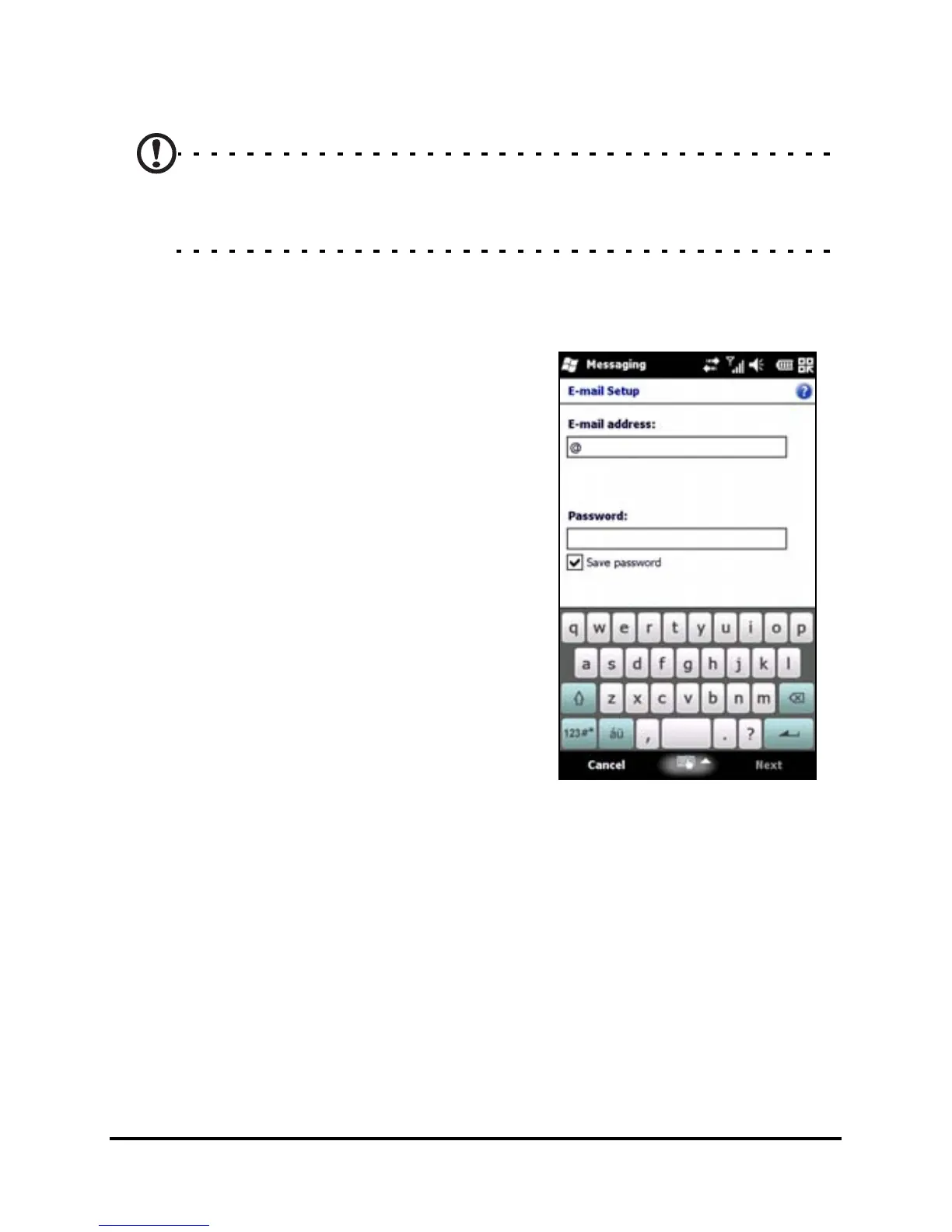
Tap Start > E-mail to access the
account setup. Tap Setup E-mail to
set up your email account.



 To Next Page