63Satellite Data Update
Personalizing your smartphone
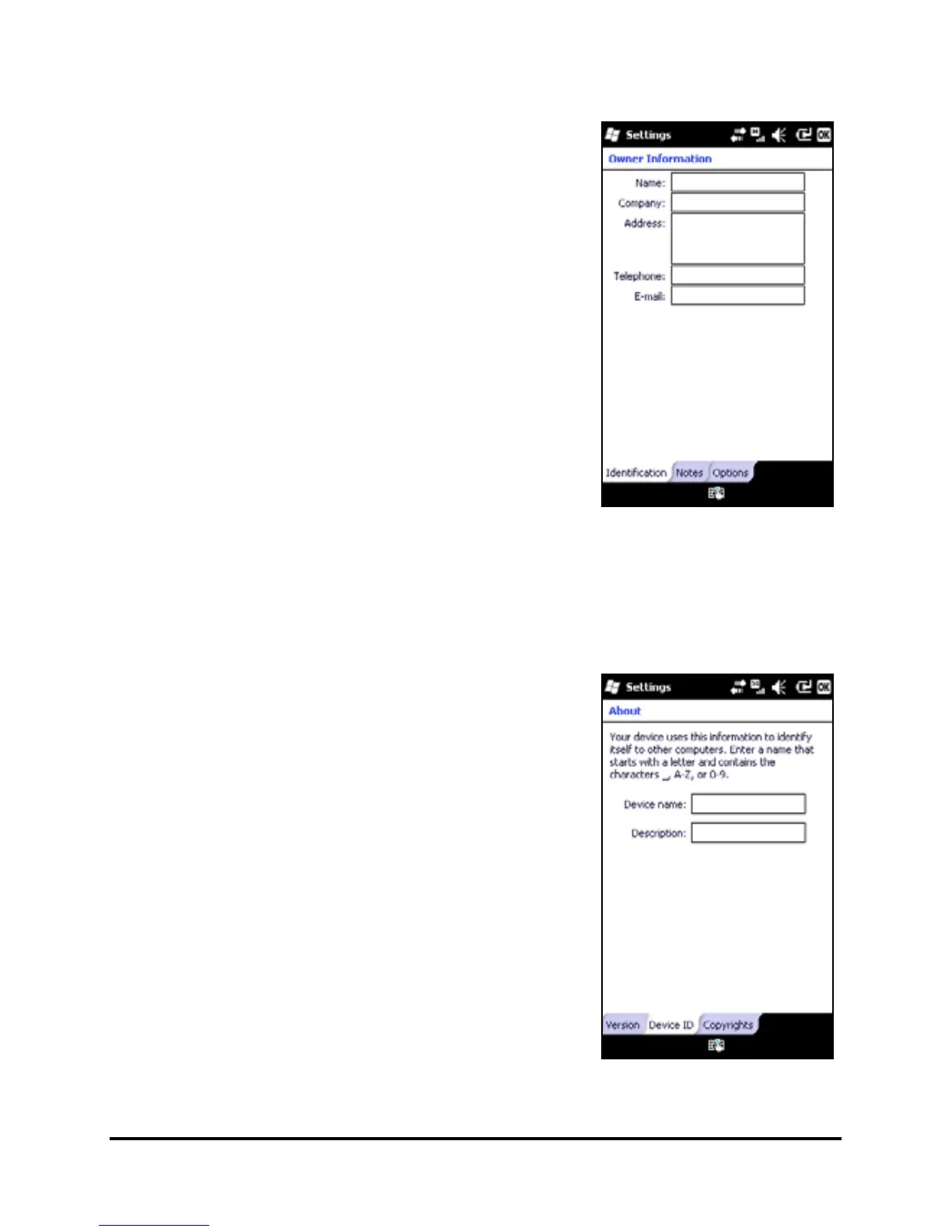
You can enter your personal informa-
tion to easily identify your smartphone.
This is especially useful if it should ever
be
lost or stolen. To enter owner infor-
mation, tap Start > Settings > Personal
> Owner Information.
Enter your name along with any other
information you want to store.
Tap the Notes tab to add any
additional notes.
Tap the Options tab to configure how
this information is displayed.
Tap OK to confirm and save.
Naming your smartphone
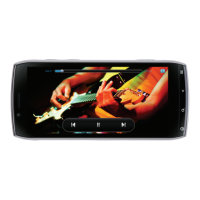
Your smartphone uses a name to iden-
tify itself when connected to other
computers. To specify a name, tap Start
> Settings > System > About > Device ID
tab.
Enter a name for your device. Add a
description if necessary.
Tap OK to confirm and save.



 To Next Page