57Other functions
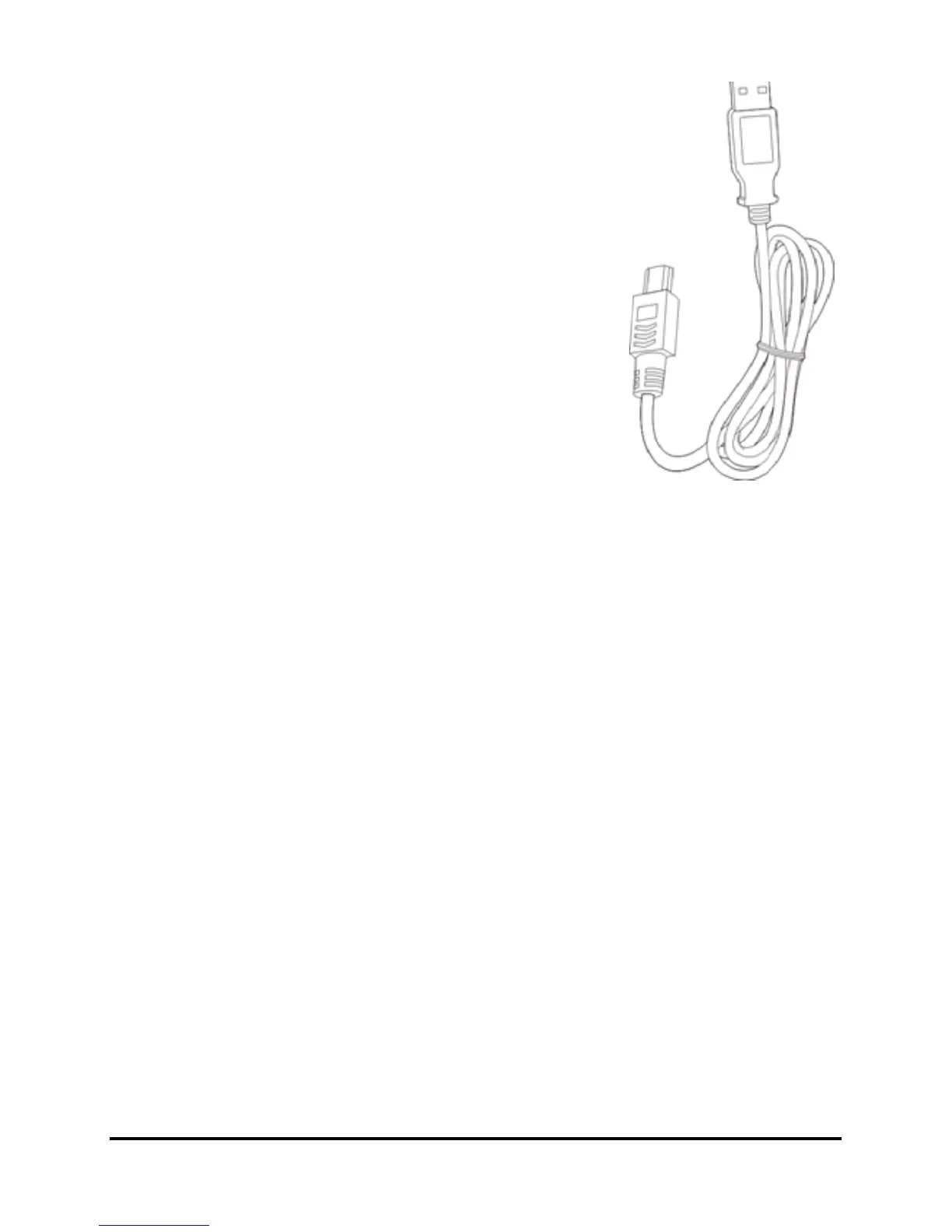
After a short delay, your smartphone
should be recognised and the program to
synchronize your smartphone files will
open. Please check the help files for the
program installed on your computer for
more information.
Configuring USB to PC
settings
You can enable advanced networking to
enhance your USB to PC connection,
should you be experiencing any problems
synchronizing your data with ActiveSync.
1. Tap Start > Settings > Connections >
USB to PC.
2. Check the Enable advanced network functionality checkbox
to enable.
3. Tap OK to confirm and save.
Other functions
Managing your agenda
You can set appointments and anniversary reminders with the
agenda feature.
Setting a new appointment
1. Tap Start > Agenda.
2. Tap Add an agenda entry.
3. Enter appointment information and recurrance frequency.
4. Tap OK to confirm and save.
To edit an appointment, tap the entry to edit the appoint-
ment.



 To Next Page