Acer S200 Smartphone User Guide74
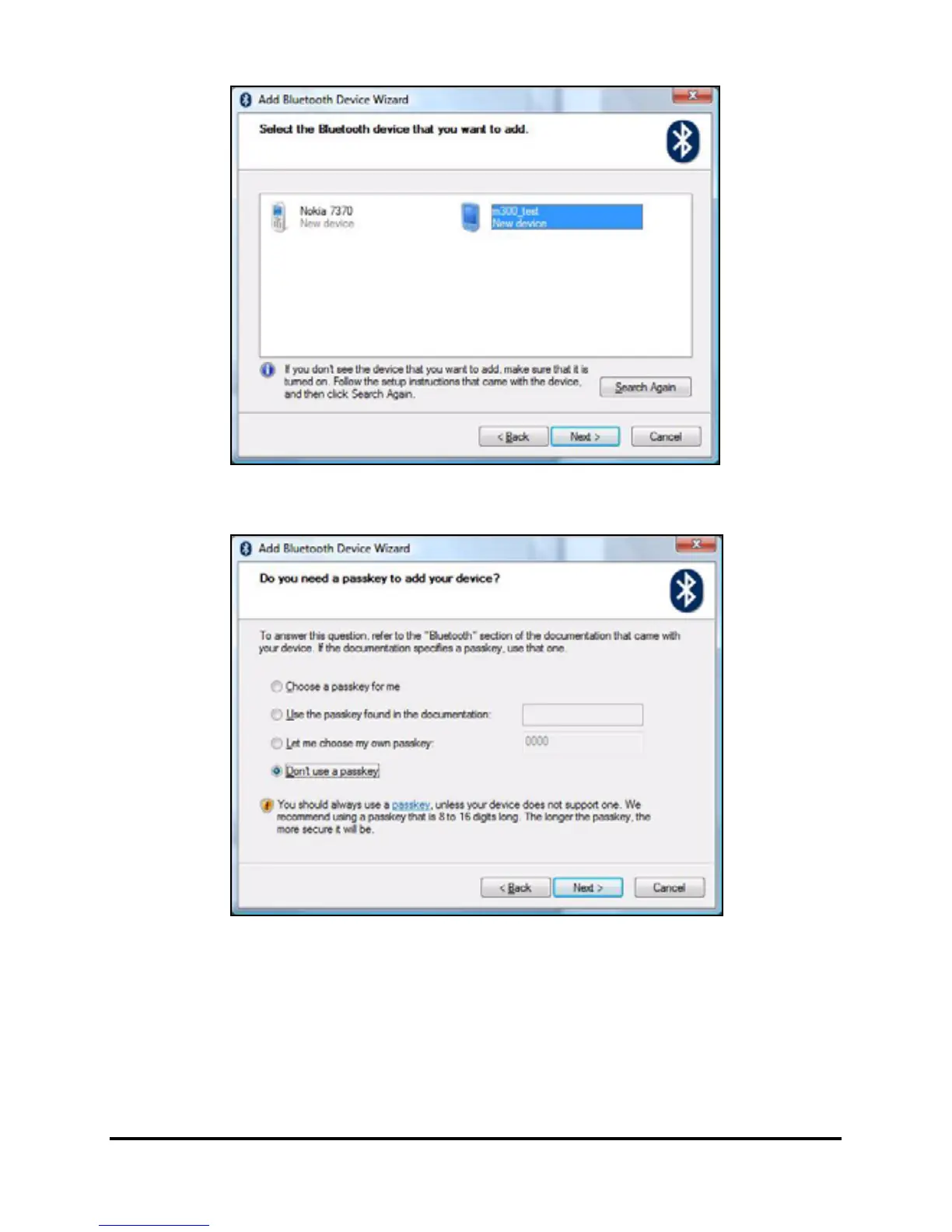
• Double click on your smartphone device name.
• Select Let me choose my own passkey when requested,
and enter a passkey.
• Your smartphone will ask to allow pairing, and for the
Passkey. Enter the same code you entered above and
tap OK.



 To Next Page