Documentation ref. DTFRUS060 rev A1 02/04/2019
-1-
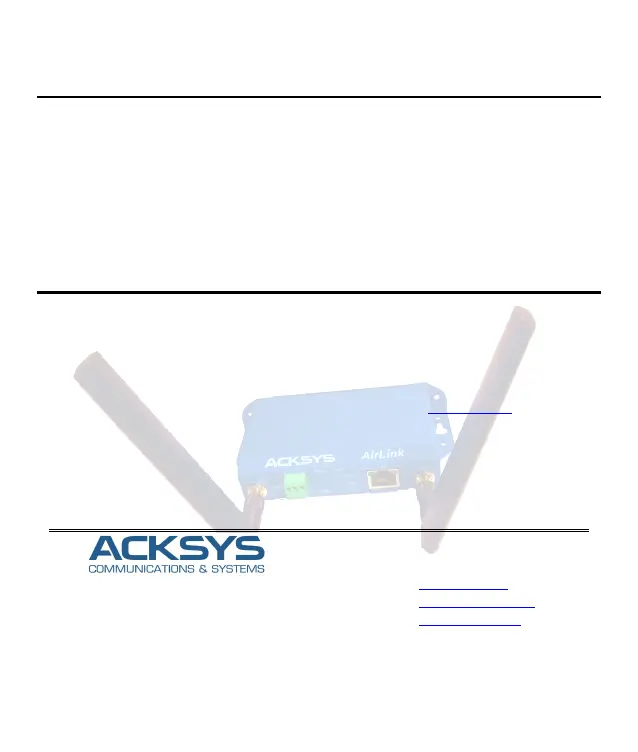
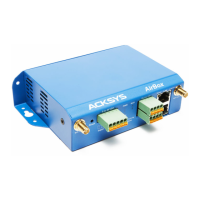
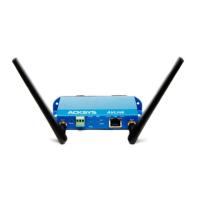
AirLink V2
Quick installation guide
Multifunction Access Points WIFI 4 (802.11n)
Access point, Router, repeater, Bridge, Mesh
WIFI IEEE 802.11a/b/g/n 2T2R
One port Gigabits Ethernet RJ45 PoE
Compact metal housing, wall or optional DIN Rail mounting
One power input 9 to 48 VDC
Two RF connectors for externals antennas
Before starting, please check the product kit part listing below. Contact immediately your dealer if any
item is missing or damaged:
One AirLink device
1 RJ45 cable, straight, 1m, cat. 5e
2 WiFi antennas
This quick installation guide
Before continuing, check for the latest documentations/firmware on the www.acksys.fr web site. Read
the « WaveOS user guide».
You will need:
A Windows PC to install the « ACKSYS WaveManager » software
A web browser
An android smartphone if you want to install the optional « ACKSYS WaveViewer » App.
10, rue des Entrepreneurs
Z.A Val Joyeux
78450 VILLEPREUX - France
Phone +33 (0)1 30 56 46 46
Fax: +33 (0)1 30 56 12 95
Web: www.acksys.fr
Hotline: support@acksys.fr
Sales: sales@acksys.fr


 To Next Page