-15-
LEDs definition
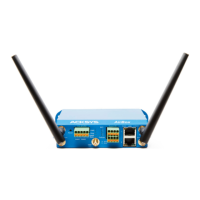
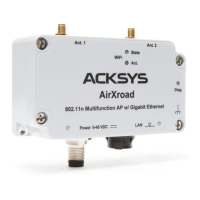
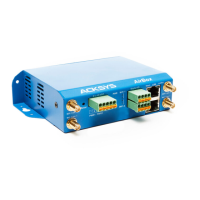
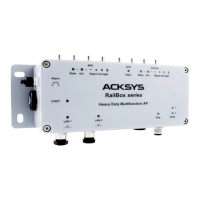
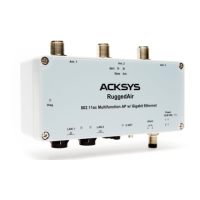
The product has LEDs according to the models.
The status LEDs indicate:
Power Green
On: the product is powered by the power connector
or a Poe source.
Diag
Red/
Green
This led indicates the unit operational state.
Off: Power supply is off
Red: Initialization during 40s after power is
applied then goes Green
Red for more 120s: hardware failure
Green: Ready to use
Blinking: Firmware in flash is loading or not valid;
please load new firmware with
“WaveManager”
LAN
Green/
Yellow
On: Link on LAN established
Flashing: Tx/Rx activity
Yellow: connected in 1000 BASE T
Green: connected in 100 BASE Tx
or 10 BASE T
Off: Link on LAN broken
WIFI State Green
Off: the radio is disabled, or DFS state.
Blinking: the product is unassociated
WIFI Act
Blue Flashing: Radio Tx/Rx activity


 To Next Page