12
CAMERA APPLICATION AND WI-FI CONNECTION
The Ez iCam app allows your smartphone or tablet connect to your action camera via Wi-Fi
connection.Youwillbeabletowatchtheliveviewfromthecameraonthesmartdevicedisplay,
remotely take pictures, record videos and download les.
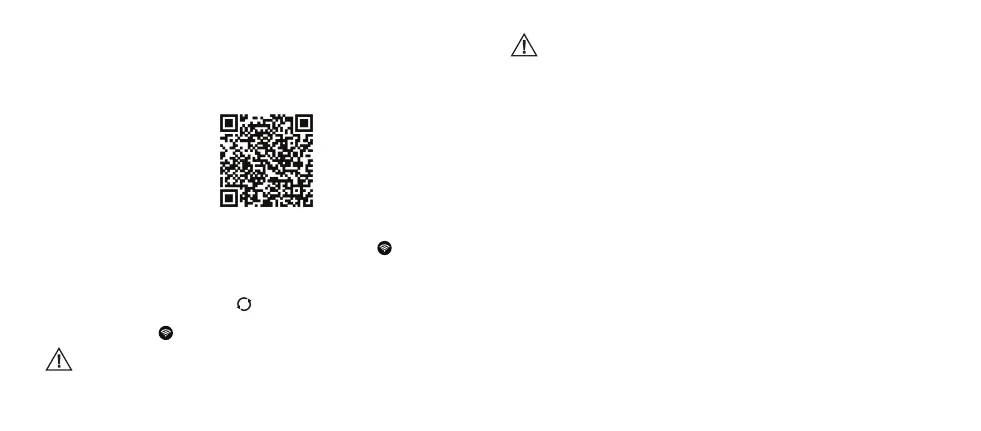
QR code for quick application download (Android and iOS):
1. Download and install the Ez iCam application to your iOS or Android device from dedicated
application stores. (Accept all security requests of the application.)
2. Make sure the camera is turned on and then press the Wi-Fi button
to enter the pairing
mode.
3. Open the Ez iCam application and tap “Connect device Wi-Fi”.
4. In the devices list iCam_VR302-*****(series of numbers) will be shown. Tap this device. (If the
device is not listed, tap the refresh icon
.)
5. After successful connection you will be able to use the application and all its features.
6. Press the Wi-Fi button
to turn o the Wi-Fi connection of the camera.
The application’s features, functionality and appearance may be changed after
installing updates. Proper functioning of the application and Wi-Fi connection also
depends on the hardware and rmware of the smartphone or tablet.
Safety information
• Conditions with low or high temperatures may irreversibly shorten the battery life or the
camera may stop working properly.
• Donotexposethecameratodirectsunlightorhightemperaturesforanextendedperiodof
time.
• Donotusethecameraandthebatteryiftheyarewet.
• Donotdrythecameraorthebatterywithexternalheatsources(hairdryer,microwaveoven,
etc.).
• Donotstorethebatteryinoneplacewithametalobject.Shortcircuitedbatteryterminalsmay
cause re.
• Donotdrop,disassemble,deformorcauseanyotherphysicaldamagetothebattery–itcan
cause re or an explosion.
• Donotusethecameraorthebatteryiftheywerephysicallydamagedorharmedbywater.



 To Next Page