Page 23 of 33
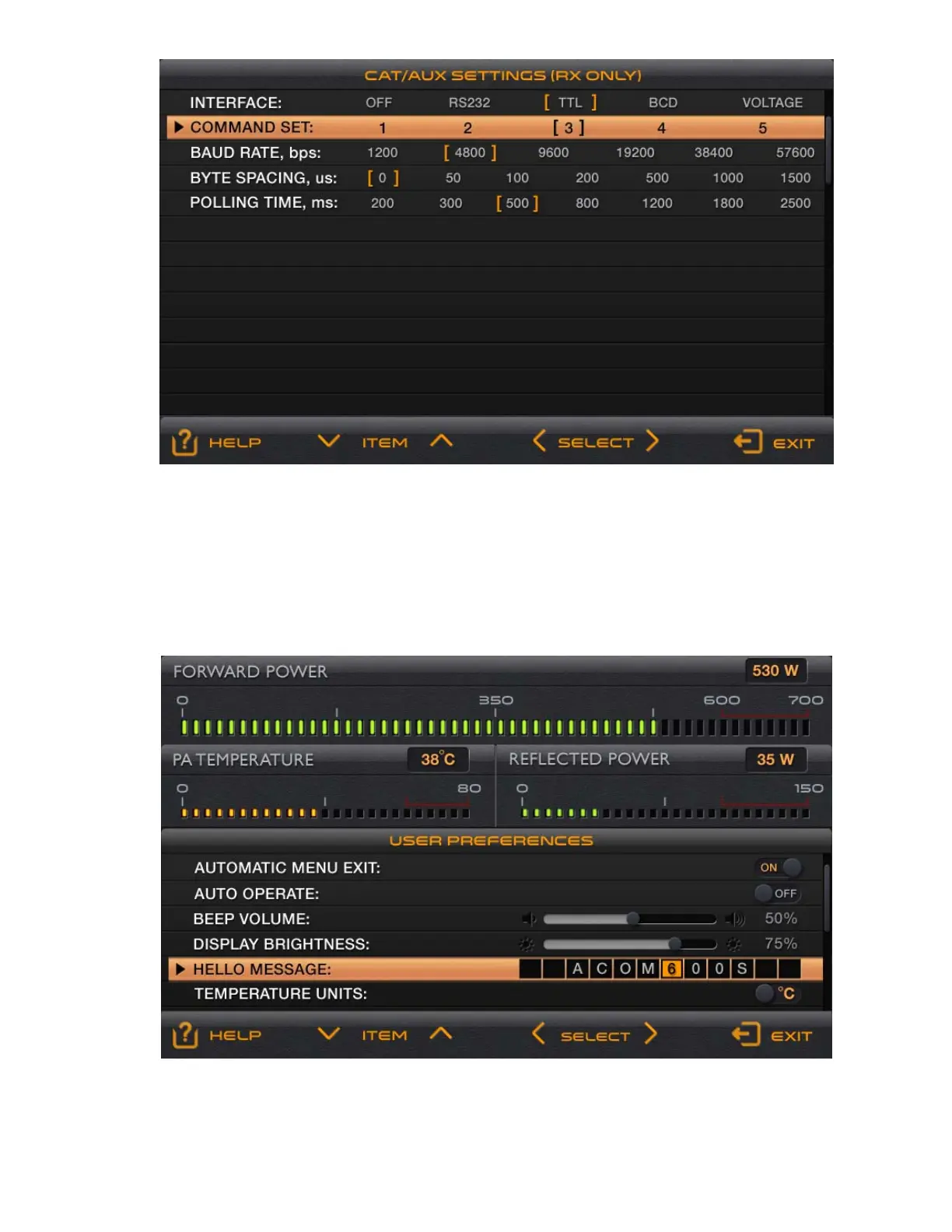
Fig. 5-3 Menu “Selection of CAT/AUX interface” – CAT/AUX SETTINGS
At leaving the menu (by pressing the EXIT button), the parameters enclosed currently within square brackets
remain selected (become effective).
5-4. Menu “USER PREFERENCES”
Here the operator can adjust some secondary (minor) functions of the amplifier according to his personal
preferences.
Fig. 5-4 – Menu USER PREFERENCES



 To Next Page