Page 26 of 33
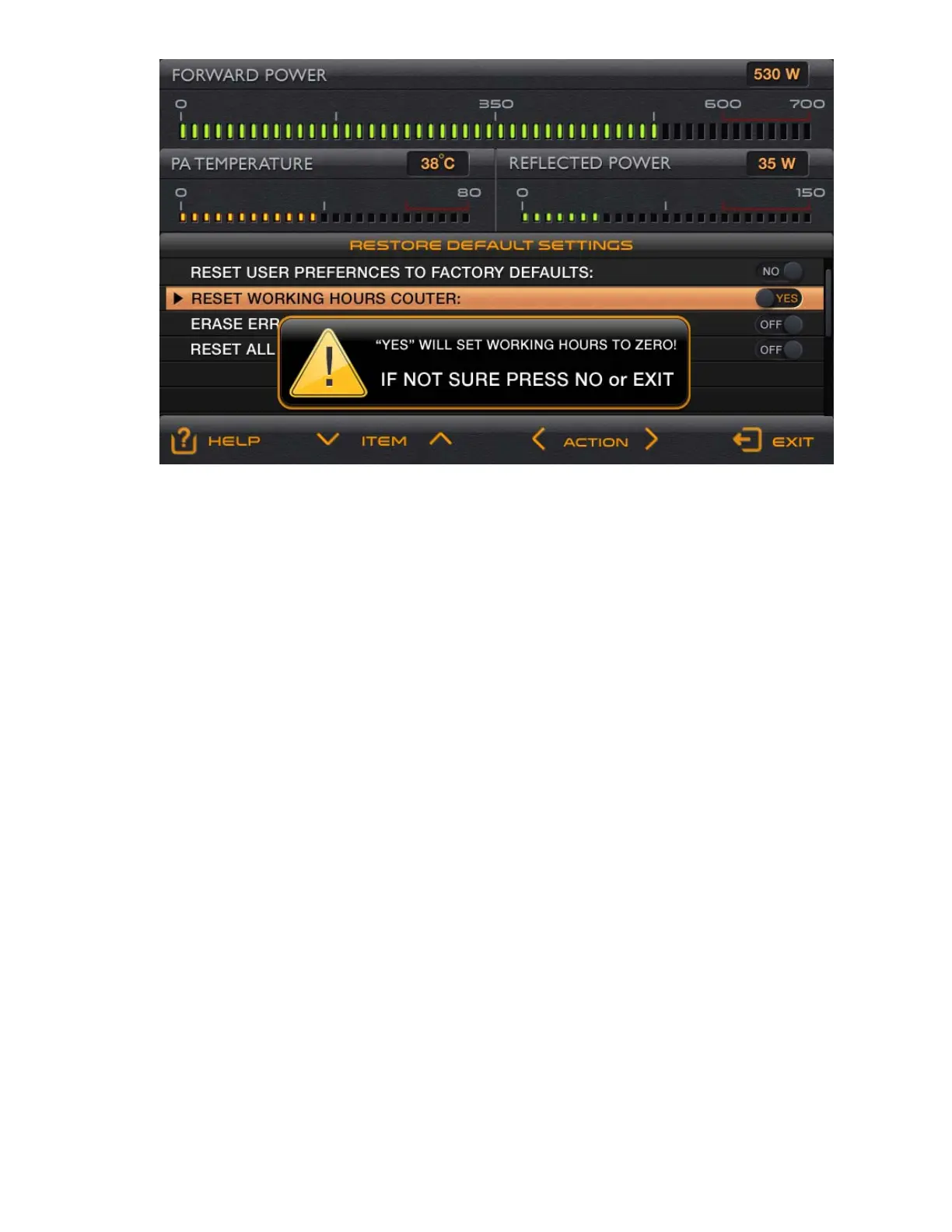
Fig. 5-6 Menu : RESTORE DEFAULT SETTINGS
6. REMOTE MONITORING AND CONTROL
6-1. General information
Remote monitoring and control can be done with a computer connected to the RS232 interface of the amplifier. It
can control and monitor the main amplifier functions as follows:
- activation (turn on) of the main power supply from the Low Energy (waiting) mode through simultaneous
activation of the RTS and the DTR signals;
- deactivation (turn off) of the main power supply and return to the Low Energy (waiting) mode using a
serial command OFF;
- change of the Operate / Stand-by mode; this and next serial commands are accessible only when the
main power supply is running;
- change of the receive / transmit (RX/TX) mode;
- change of the operating frequency (BAND);
- upgrade of the firmware;
- change, activation, and deactivation of some options, such as AUTO OPERATE, OPERATE ACCESS,
the temperature scale unit ºC/ºF;
- reading the FAULTS LOG, and others.
6-2. Commands set
Details of connecting of the RS232 interface and a full list of commands, as well as the protocol and rules for using
them for amplifier control are given in the Technical compact disk (CD - option to the amplifier) and / or in the
respective control programs.



 To Next Page