18
Troubleshooting
1. Unplug / plug oven in
2. If code continues to appear.
Replace Electronic Limiter
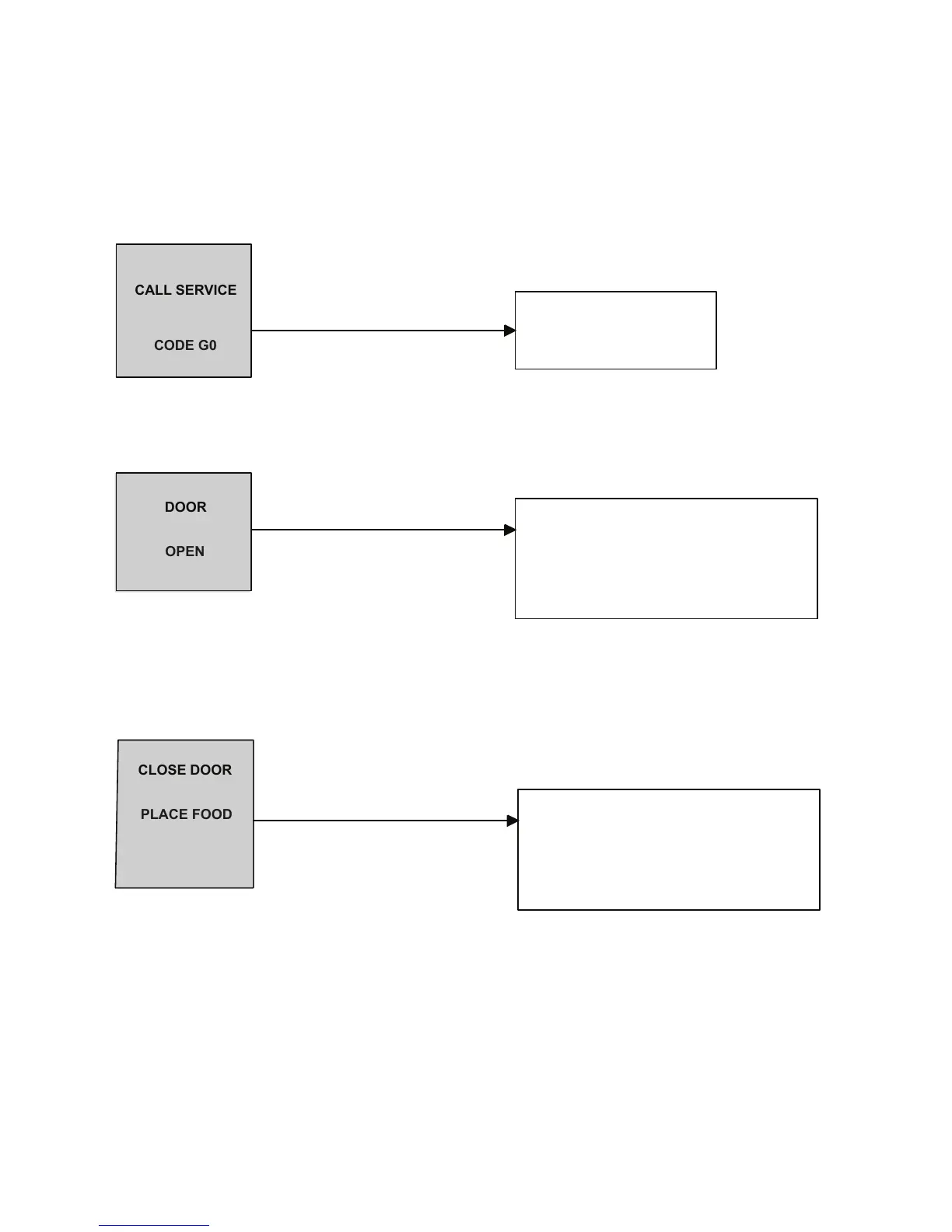
CODE G0
1. Inoperative Monitor Switch
2. Interlock Switch Assembly out of adjustment
3. Broken or loose wire connection
1. Interlock Switch Assembly out of adjustment
2. Inoperable Monitor Switch
3. Broken or loose wire connection
OPERATIONAL CODES
CALL SERVICE
OPEN
DOOR
PLACE FOOD
CLOSE DOOR
IN OVEN
During oven operation the display may indicate one of the following:
1. When you press the pad/ knob to preheat the oven the display indicates.
2. During cooking, the oven display indicates.
1. After food is placed in the oven the door is closed the display indicates.
1. After food is placed in the oven the door is closed the display indicates.
See component test procedures section
for testing procedures and results.
See component test procedures section
for testing procedures and results.



 To Next Page