MOB USER MANUAL
8 Y1-03-0283 Rev. C
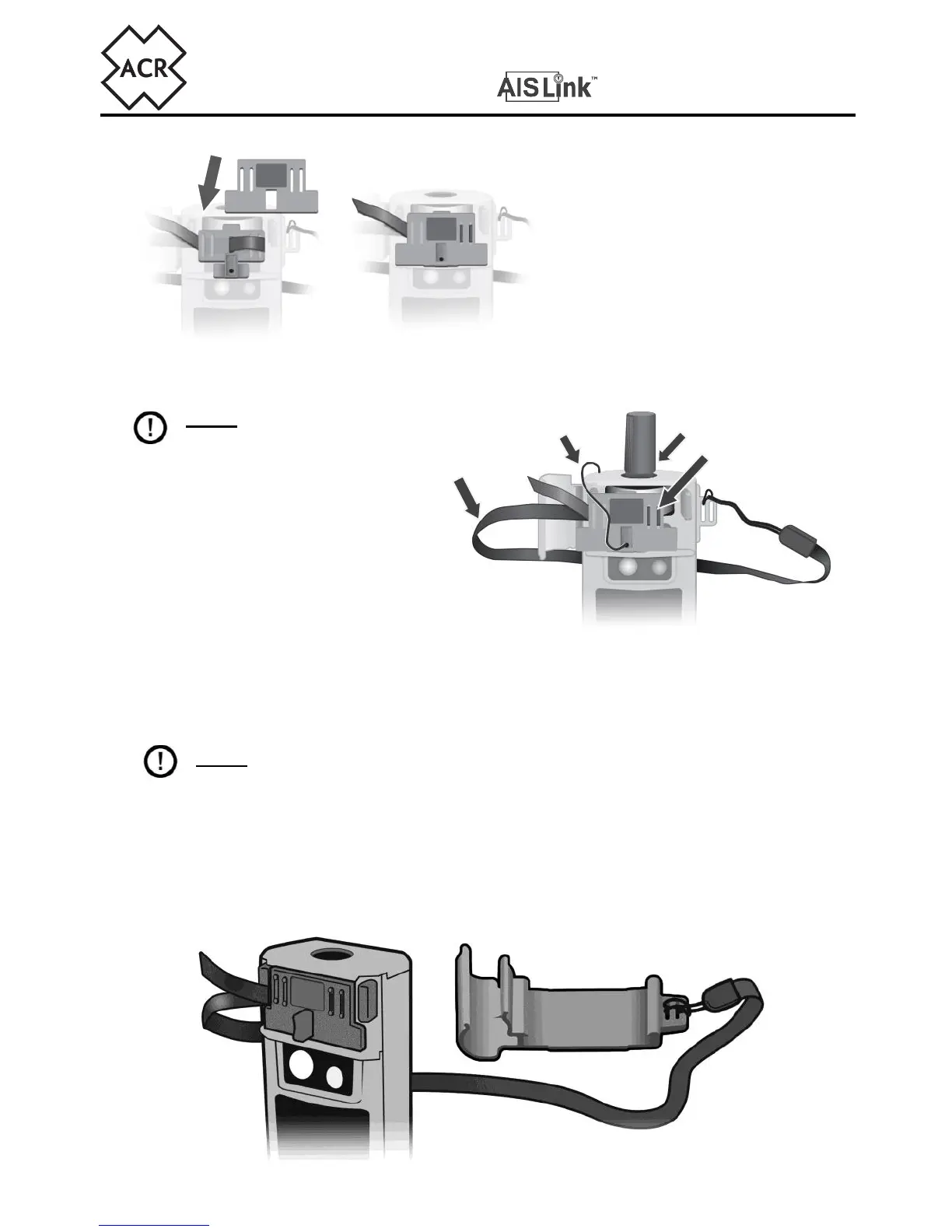
rear activation slide. Route the
front of the activation slide along
the tether and squeeze the front
and rear sections tightly together.
The activation tape will be trapped
in place by the action of closing the
front and rear sections together.
The assembled activation slide and tape is now ready for assembly onto the MOB.
NOTE: Ensure that the
tape is trapped in place
between the two slots on the
opposite side of where the tape
will be pulled to activate the
MOB.
Rewind the antenna (shown in
section 6) and re-insert the
activation slide back in-between
the two arming retainers.
Be sure your beacon is not activated. If it is, deactivate by pressing the “TEST/OFF”
key until the LED flashes red twice, then release.
NOTE: Failure to remove the antenna winding tool will prevent automatic
antenna deployment after the life jacket inflates. Additionally, ensure that the
assembly of the activation slide onto the product is such that the activation tape
is not passing over the top of the activation slide tether (activation slide tether
shown in image above). This may restrict the release of the activation slide.
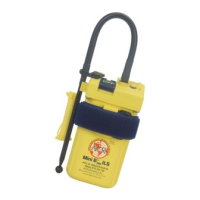
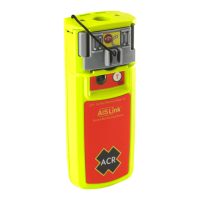
On completion, the tape should now be connected to the bracket and MOB as shown.





 To Next Page