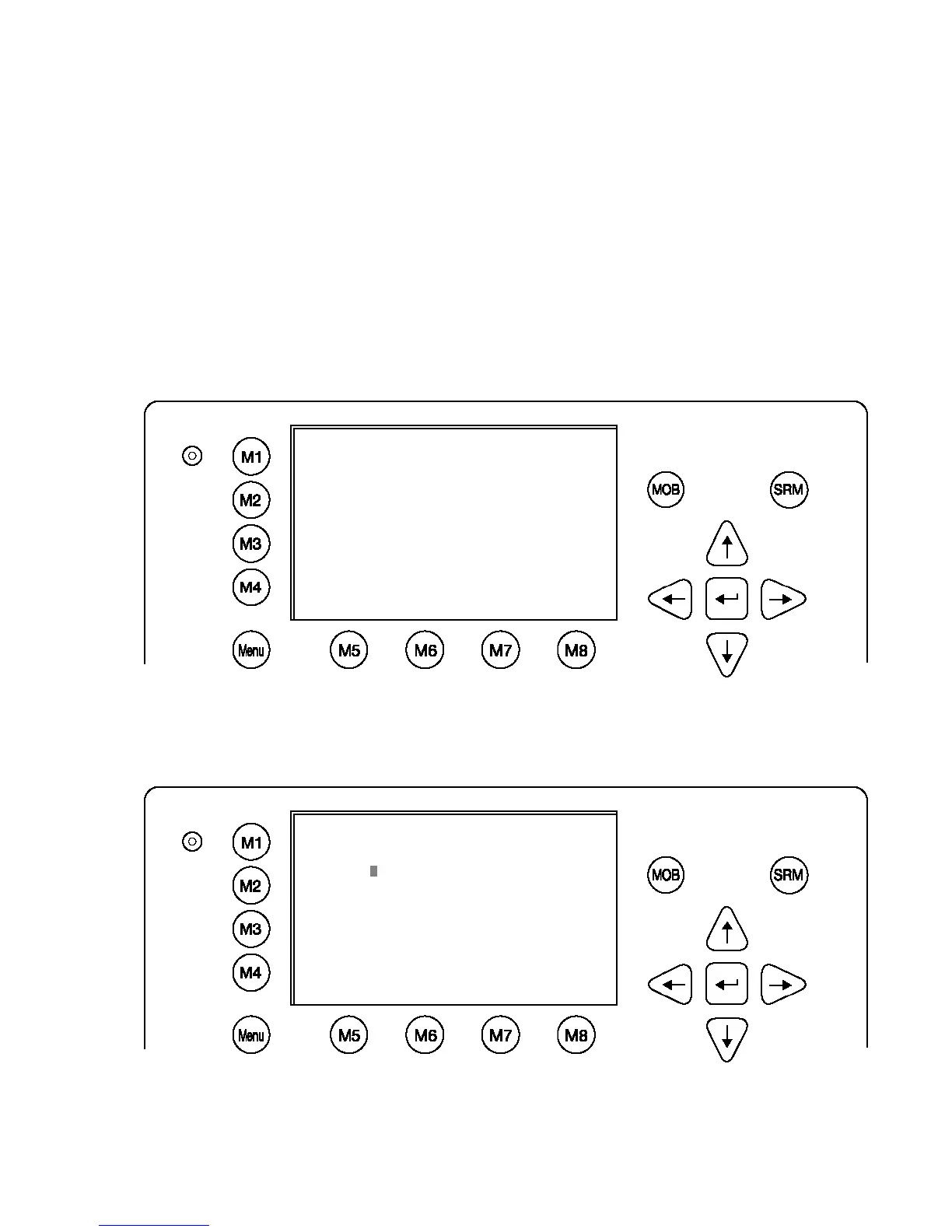
Your passwords must meet the following criteria:
Minimum of six (6) characters, maximum of eight (8) characters
Letters must be in UPPER CASE
Acceptable characters are the A-Z alphabet and 0- 9 digits
Password may contain both letters and numbers
The User Password can be reset in the service configuration menu by entering the
Service Configuration menu and creating a new password.
Changing the Service Password
Select “Service Configuration” from the Main Menu with the cursor button [Up] & [Down] or
press Number 6 on the keyboard.
The password query field appears. Input default Service Password and press M5
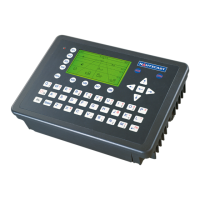
[Enter]. The default password from the factory is mentioned on your AIS display at the
protection foil.
Please see the appendix in your User Manual for additional password information.
Select Submenu 1 “Change Service Password” with cursor button [Up] & [Down] by pressing
Nr. 1 on the keyboard.
Service Menu Example:
N 1
o
21' E 0
o
14' |1>0.01|2>1.30|3>1.80nm
|----------------------------------
| 6. Service Configuration
-----| |
| +- 1. Change Service Password
View | +- 2. User Password Settings
| +- 3. Change MMSI / IMO
-----| +- 4. Restore Factory Settings
|
Msg. |
|
-----|
|
Displ|
----------------------------------------
NUM| Select->| | |<-Back
N 1
o
24' E 0
o
17' |1>0.10|2>1.30|3>1.80nm
----------------------------------------
++++++++++++++++++++++++++++++++++++++++
Service password protected!
Please enter service password:
++++++++++++++++++++++++++++++++++++++++
----------------------------------------
| Enter | | | Exit




 To Next Page