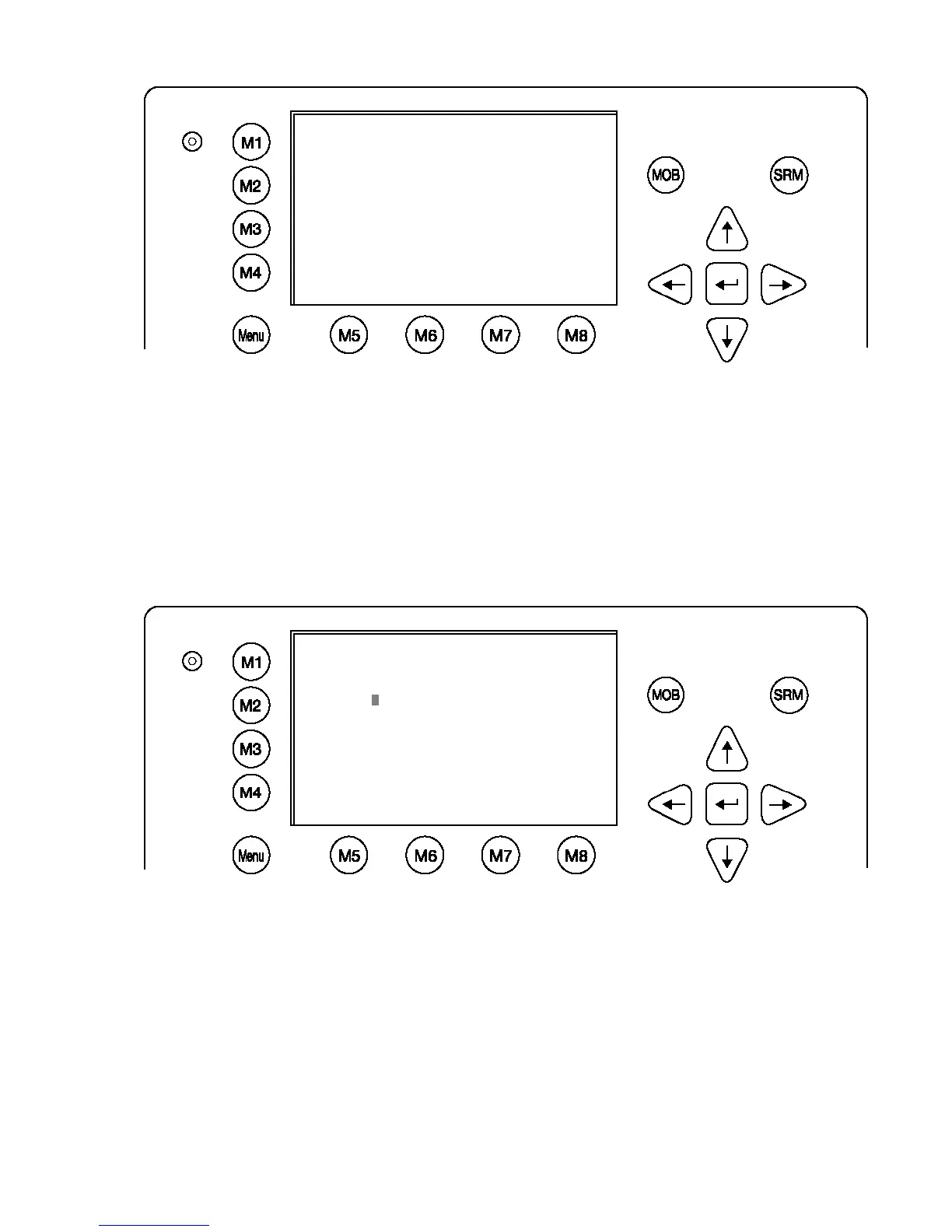
Service Password Menu Example:
Enter the new Password: Then push Enter (M5).
Repeat the new Password: Then Push Enter (M5).
A minimum of 6, a maximum of 8 characters are allowed. Should the new password include
numbers, use the shift key to generate them.
Press Save to store the change.
Changing the User Password
Select Submenu 2 “User Password Settings” with cursor button [Up] & [Down] by pressing Nr.
2 on the keyboard.
Select Submenu 1 “Change User Password” with cursor button [Up] & [Down] by pressing Nr.
1 on the keyboard.
N 1
o
25' E 0
o
18' |1>0.10|2>1.30|3>1.80nm
******* Change Service Password ********
Enter new password :
Repeat new password:
{Length: 6..8 characters}
----------------------------------------
| Save | | | Back
N 1
o
21' E 0
o
14' |1>0.01|2>1.30|3>1.80nm
|----------------------------------
| 6. Service Configuration
-----| |
| +- 1. Change Service Password
View | +- 2. User Password Settings
| +- 3. Change MMSI / IMO
-----| +- 4. Restore Factory Settings
|
Msg. |
|
-----|
|
Displ|
----------------------------------------
NUM| Select->| | |<-Back









 To Next Page