Installation and operation
Copyright © Acronis, Inc., 2000-2006 15
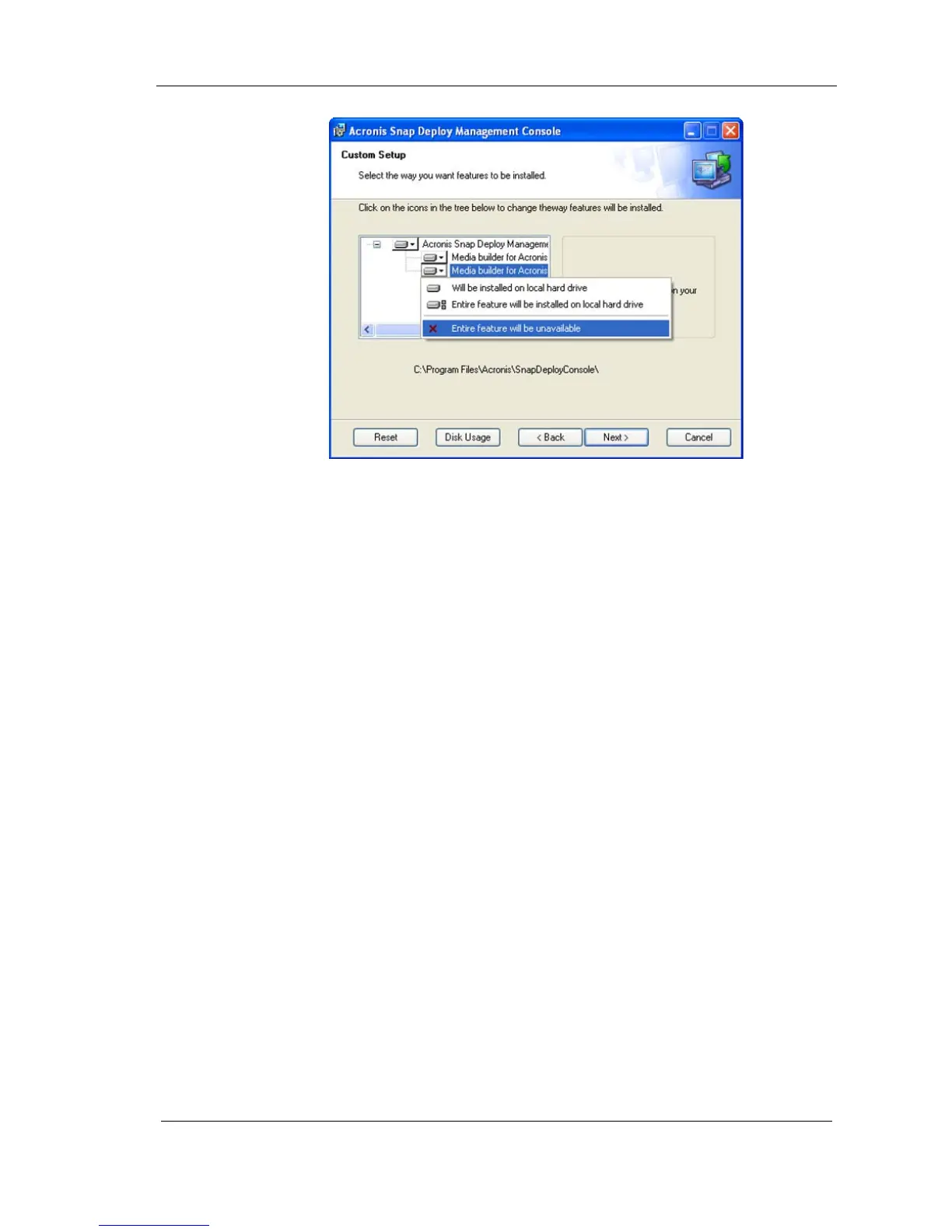
Figure 3. Custom setup
5. Click Next to apply changes.
2.12 Repairing components
During maintenance periods, you may need to repair (or restore) Acronis Snap
Deploy components.
To repair a component:
1. Run AcronisSnapDeploy.exe.
2. In the Install Menu, click on the component you want to repair.
3. Click Repair in the Modify, Repair or Remove Installation window.
2.13 Removing components
You can remove any Acronis Snap Deploy component separately.
To remove a component from the Control Panel:
1. Run Control Panel.
2. Select Add or remove programs.
3. Click the Remove button on the Acronis Snap Deploy component.
4. Follow the instructions on the screen.
You can also remove Acronis Snap Deploy components in the Install Menu.
To remove a component from the Install Menu:
1. Run AcronisSnapDeploy.exe.
2. In the Install Menu, click on the component that is about to be removed.
3. Click Remove in the Modify, Repair or Remove Installation window.



 To Next Page