Pre-deployment operations
Copyright © Acronis, Inc., 2000-2006 17
Chapter 3. Using Acronis Snap Deploy
Management Console
3.1 Key features
Acronis Snap Deploy Management Console is the primary administrative tool
for Acronis OS Deploy Server, Acronis PXE Server and remote computers. It
also allows you to create and check master images on remote PCs.
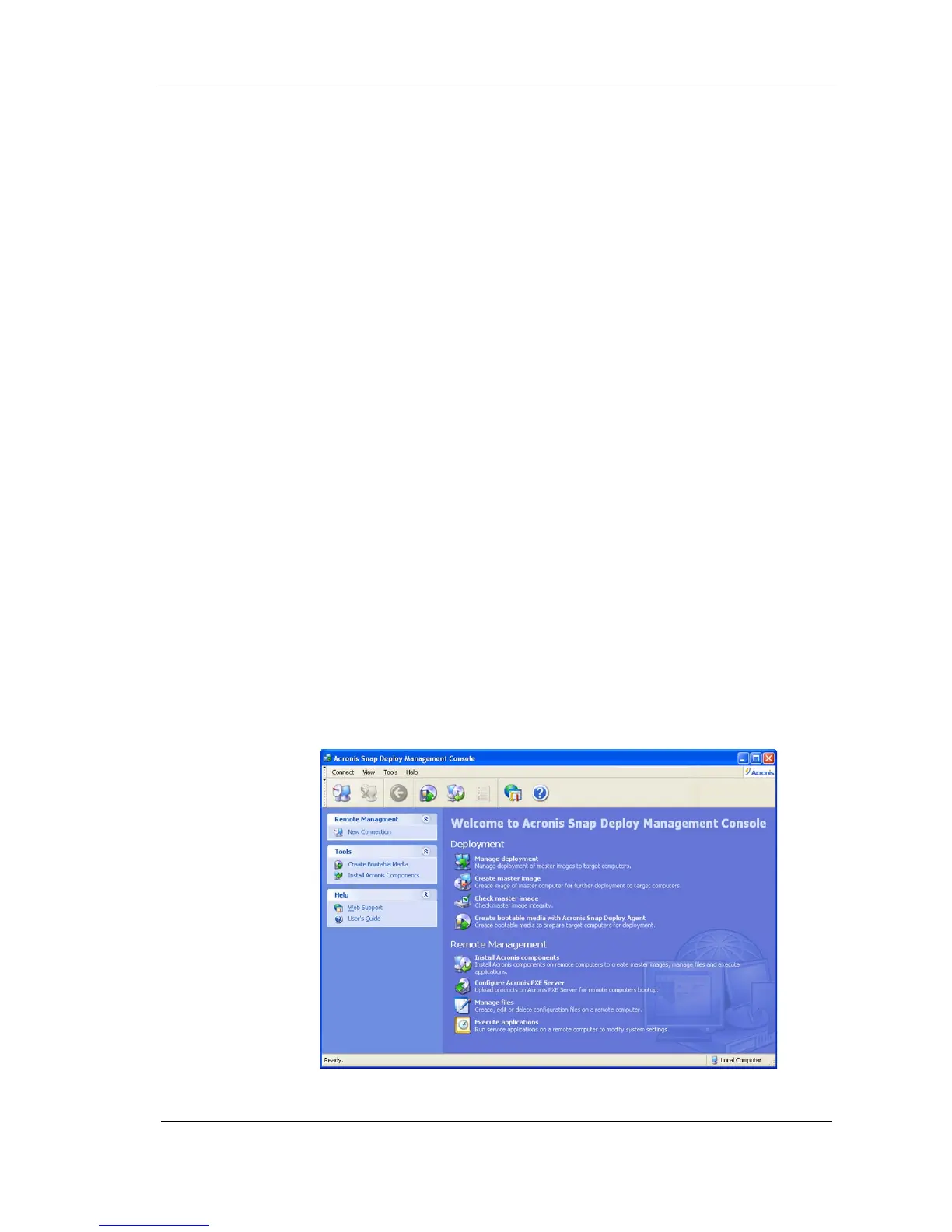
Acronis Snap Deploy Management Console enables you to perform the
following:
Deploy master images to target PCs simultaneously, including:
o Creating user accounts
o Managing TCP/IP settings
o Managing network identification of target PCs (computer name,
domain or workgroup membership)
o Transferring files to all target computers after deployment
o Executing applications on all target computers after deployment
Manage deployment templates
Create master images
Check master images
Create bootable media
Configure Acronis PXE Server
Manage files on remote PCs
Execute applications on remote PCs
Figure 4. Acronis Snap Deploy Management Console main window



 To Next Page