Remote management operations
Copyright © Acronis, Inc., 2000-2006 57
Task scheduled successfully
You have finished scheduling a task. The wizard will again remind you of the
details of the task provided.
To close the wizard and return to the main window, click Finish. The task
created will be named New task. You can rename it if you wish.
6.2.2 Managing scheduled tasks
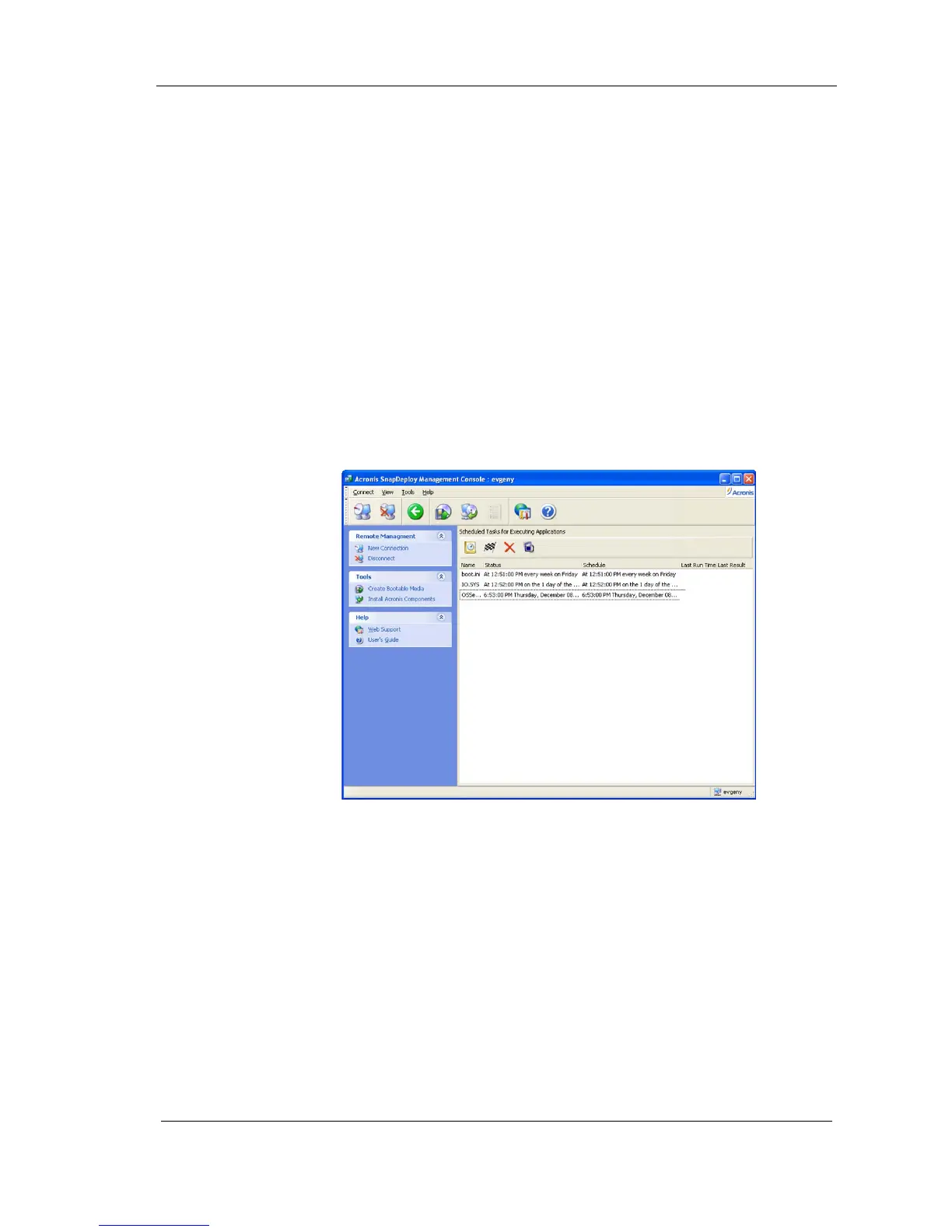
If you select a task in the Active Tasks window, the following buttons in the
toolbar will be enabled:
Execute now allows you to execute the selected task immediately.
Rename allows you to give selected task a different name.
Delete allows you to delete the selected task.
Figure 47. Scheduled tasks



 To Previous Page