Deployment
Copyright © Acronis, Inc., 2000-2006 37
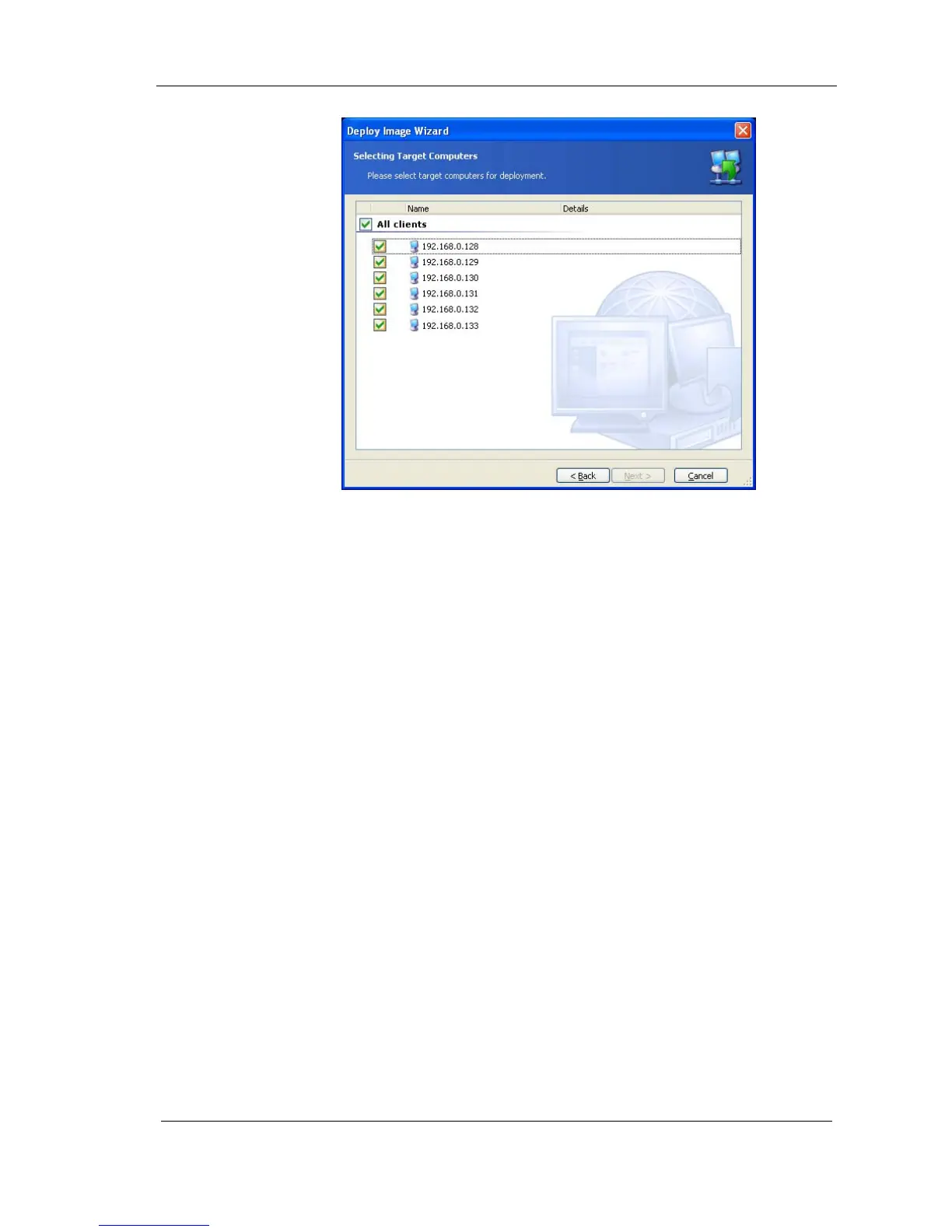
Figure 24. Target computers selection window
5.1.2 Selecting template mode
Template includes all deployment options (master image to create, user
accounts, network settings etc.). Once you have created a deployment
template, you can use it in the future and skip all the steps of the deployment
procedure.
You can create a new deployment template or use the existing one.
You are able to manage templates (create and save new templates, edit or
delete existing ones) without launching the deployment procedure. For more
information on this subject, see 5.2 of this guide.
The first time you use this function, you must select Create new template.



 To Next Page