Deployment
Copyright © Acronis, Inc., 2000-2006 39
information on computer name and IP settings, see 5.1.5 and 5.1.6 of this
guide.
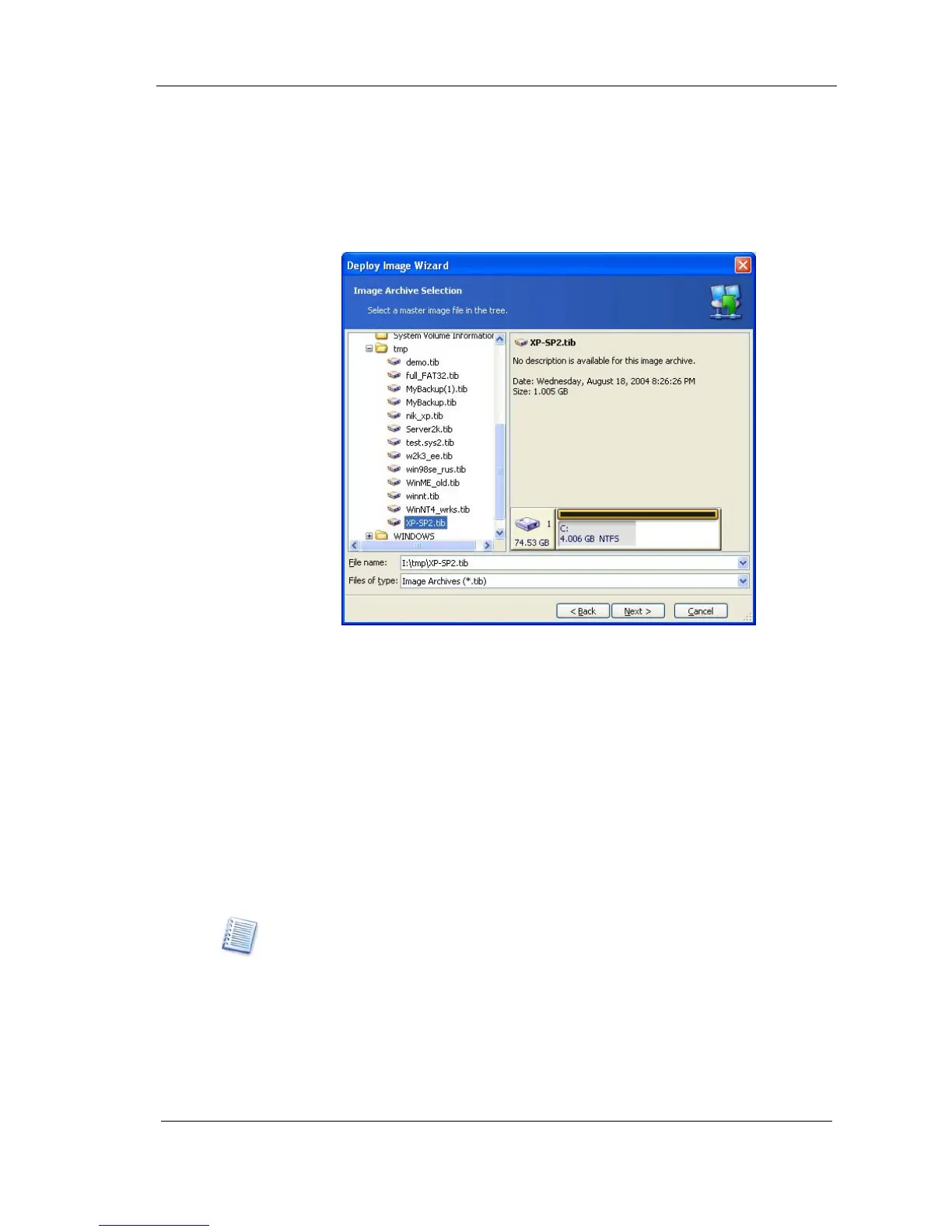
5.1.3 Selecting a master image to deploy
In the Image Selection window, select the master image you want to
deploy, then click Next.
Figure 27. Image selection
5.1.4 Adding user information
You can manage user accounts on target computers (create user accounts on
target computers and add them to one of the following groups:
Administrators, Power Users and Users).
To add user account:
1. Press on Add user button.
2. Type a user name.
3. Select the group that the user will be a member of.
4. Type a password, then confirm it and press OK.
If you have selected the Users group, at the first Windows logon the user will be
prompted to change the password.



 To Next Page