Remote management operations
54
Copyright © Acronis, Inc., 2000-2006
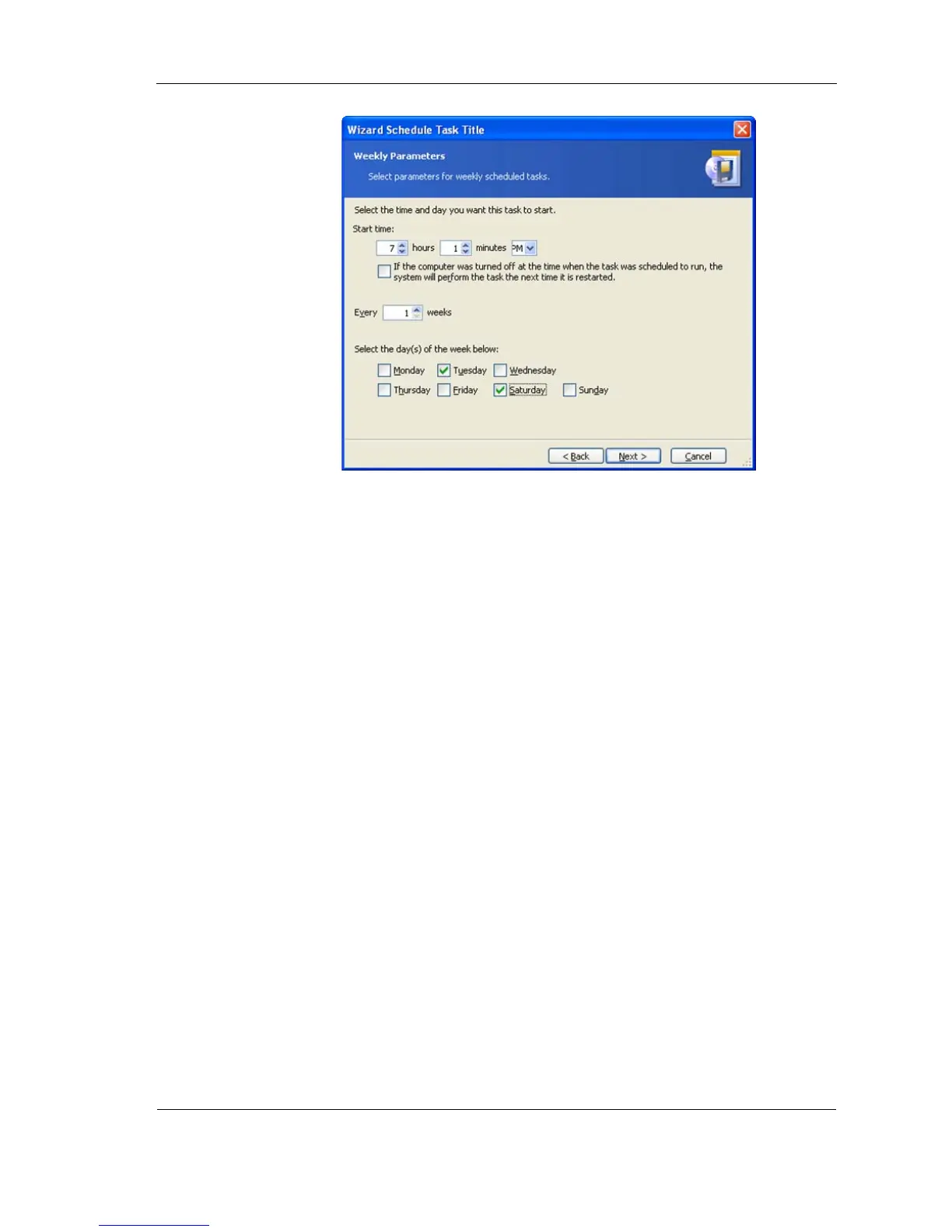
Figure 43. Weekly parameters
Specify periodicity in the Every
x
weeks (each week, in a week, etc.)
Check weekdays to execute the task on.
Even if the computer is turned off at the time when the task was scheduled to
run, you can execute the task later. To do this, check the parameter If the
computer was turned off at the time when the task was scheduled to
run, the system will perform the task the next time it is restarted.
Setting up monthly execution
If you select monthly execution, you will have to specify some additional
parameters. First, the Start time (hours and minutes).
In the Perform this task group, select time to execute tasks on:
Day - on the specified date.
The... -- on the specified weekday (e.g. second Tuesday or fourth Friday);
selected from drop-down lists.



 To Next Page