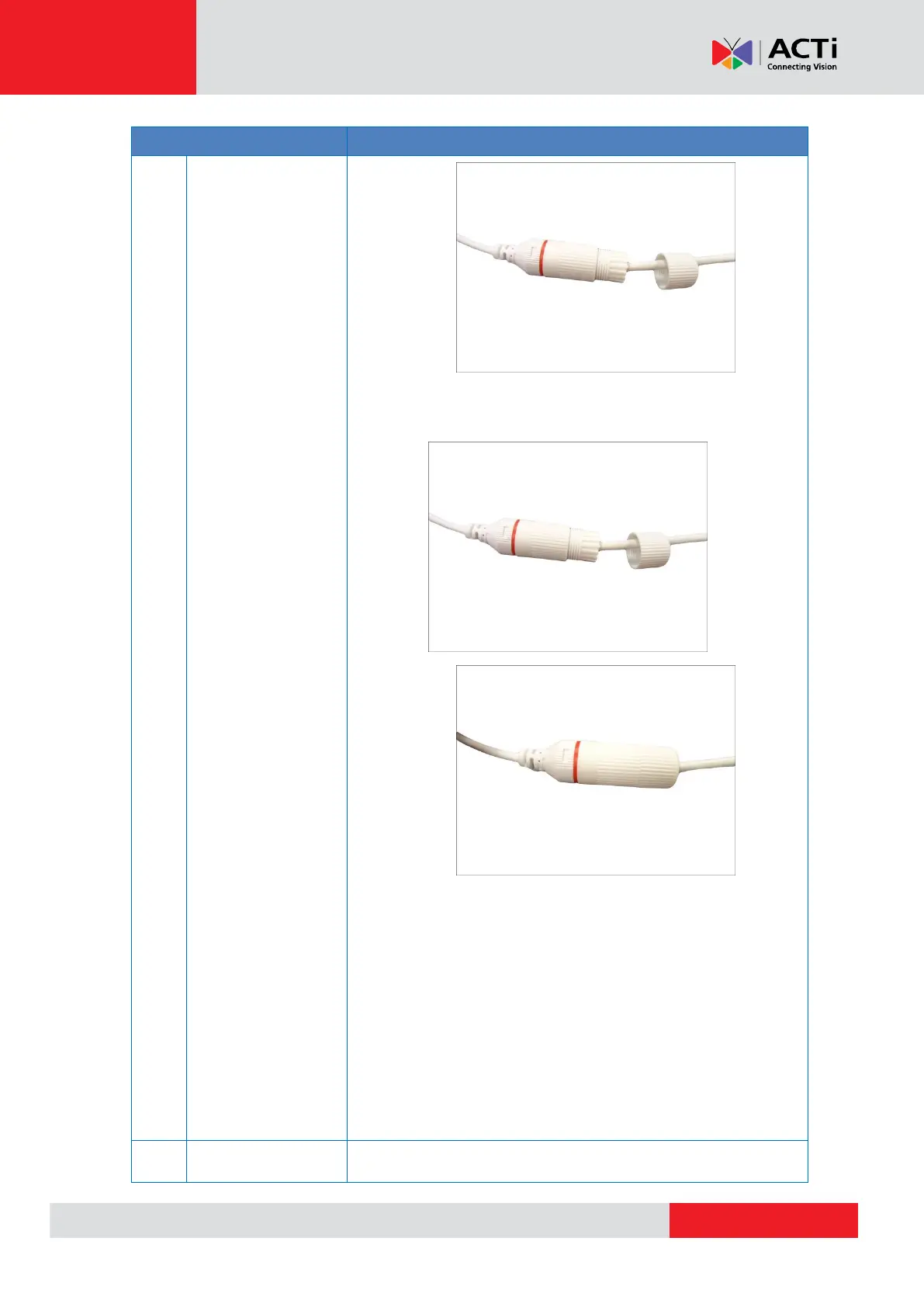
9. Attach the clamping nut to the gland body to complete the
cable solution.
NOTE: Make sure the clamping nut is tightly attached to the
cable gland body and the sealing insert is squeezed tightly.
DISCLAIMER: ACTi will not be responsible for camera damage
caused by water entering the cable
connections.
Connecting a Power Adapter (Optional) on page 24 for more
information.



 To Next Page