Hardware Manual
18
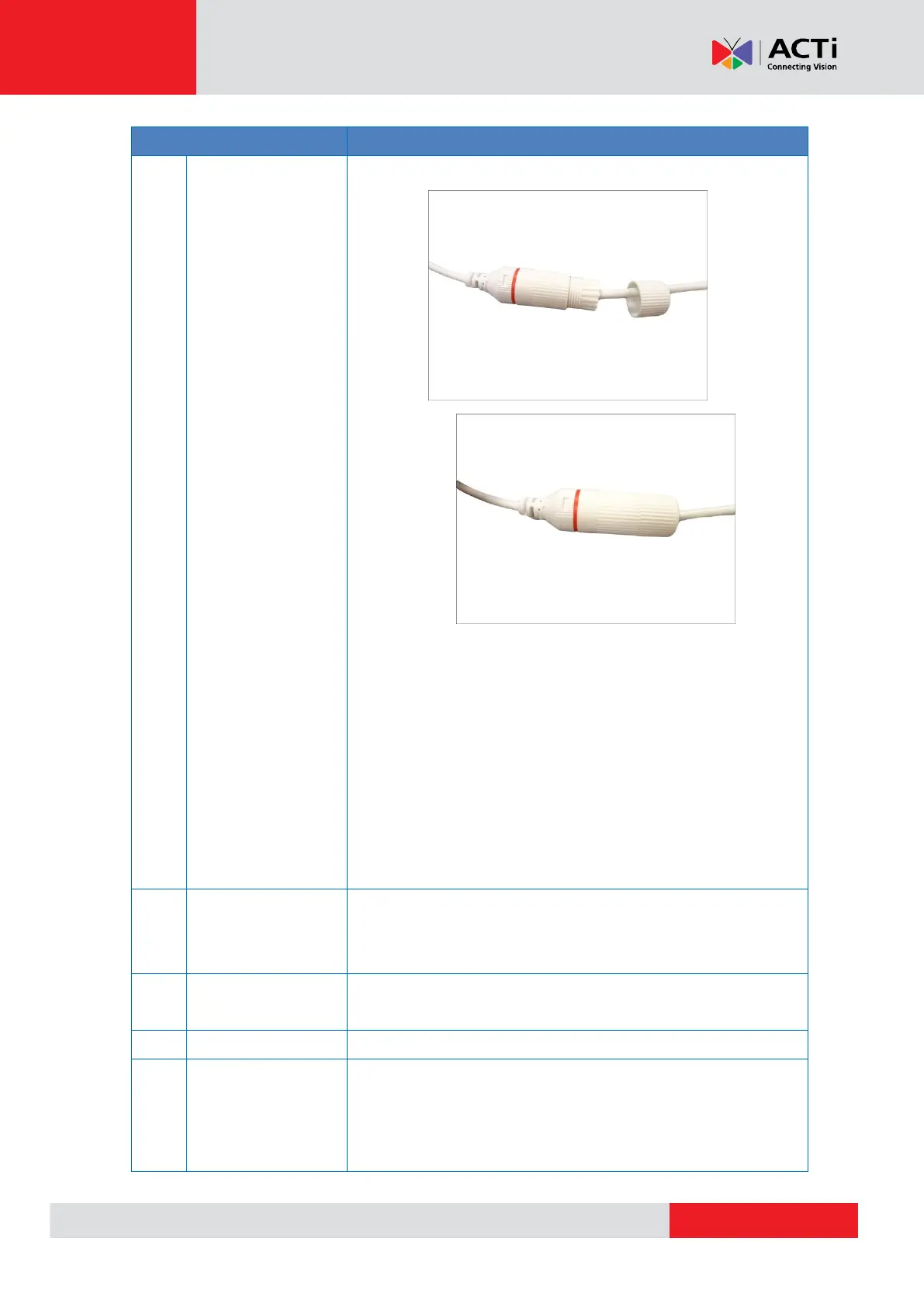
cable solution.
NOTE: Make sure the clamping nut is tightly attached to the
cable gland body and the sealing insert is squeezed tightly.
DISCLAIMER: ACTi will not be responsible for camera damage
caused by water entering the cable
connections.
Connecting a Power Adapter (Optional) on page 24 for more
information.
Restores the factory default settings of the camera, including the
administrator’s password. To reset the camera, press and hold
the Reset button for at least 10 seconds.
This jack connects to a microphone. See How to Connect
Audio Input / Output Devices (Optional) on page 27.
Connects to a network using a standard Ethernet cable.
Connects to digital input or output devices, such as an alarm
trigger, panic button, etc. Digital Input (DI) and Digital Output
(DO) devices are used in applications like motion detection,
event triggering, alarm notifications, etc. See Connecting the



 To Next Page