Hardware Manual
20
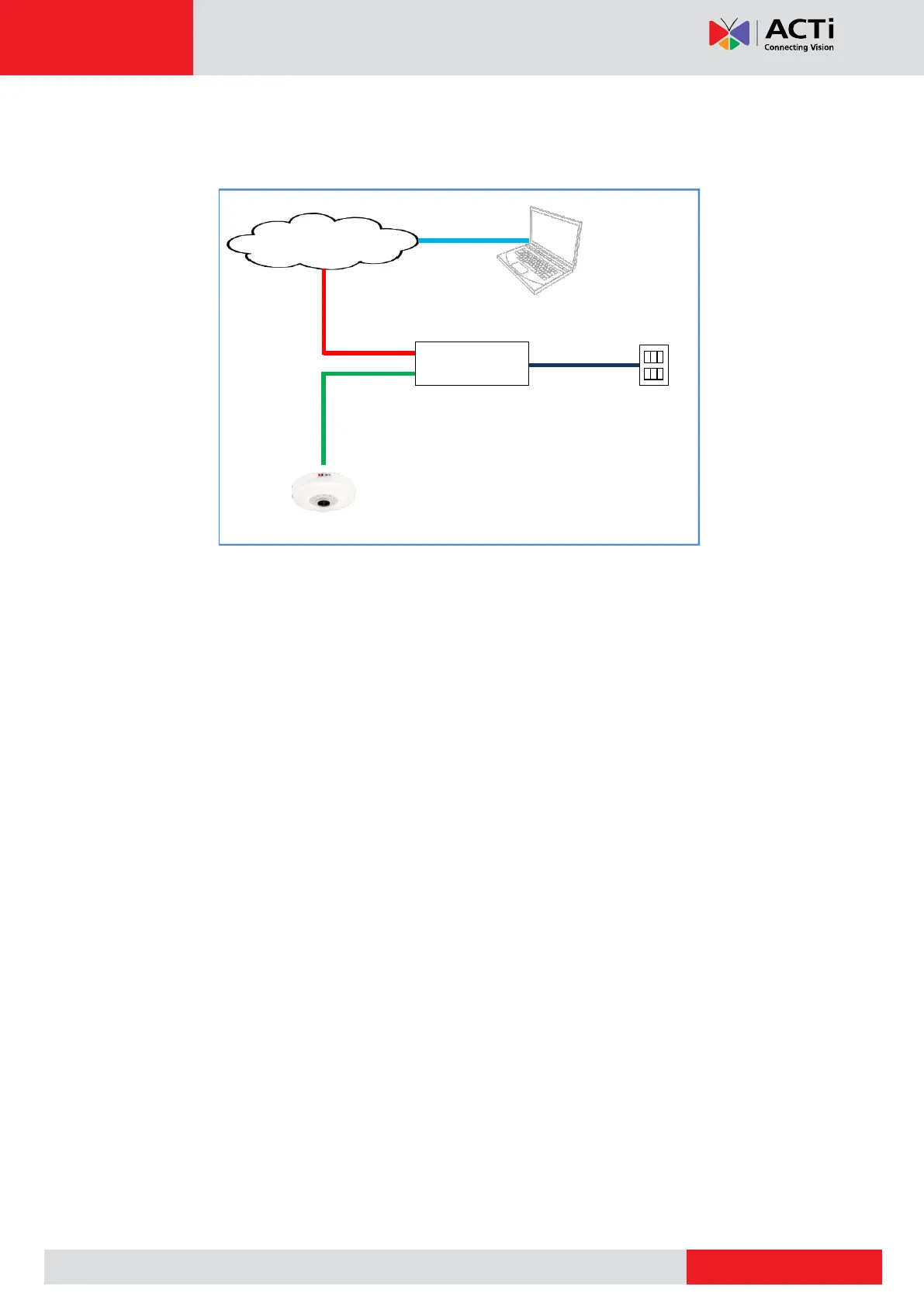
5. On the network side, connect the other end of the Ethernet port to the network switch. As
needed, connect the other cables to the corresponding devices as well.
Ethernet Cable
(Data + Power)
Step 5: Access the Camera Live View
See Accessing the Camera on page 21 to view the camera Live View and adjust the capture
settings or flip the image view.



 To Next Page