Hardware Manual
18
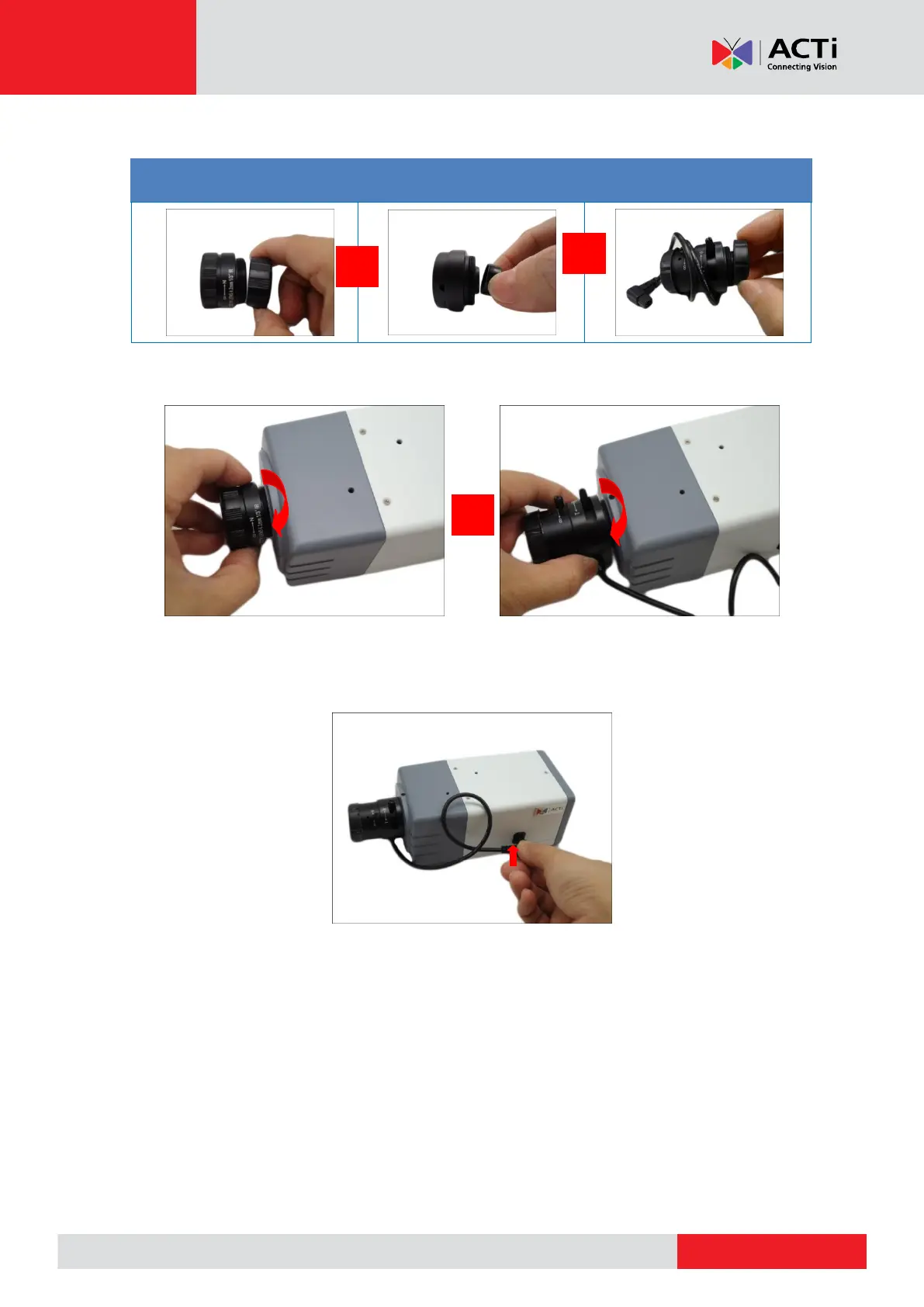
3. Twist and pull to remove the cap covering the threaded end of the lens.
D22FA / E22FA /
E217 / E270
D2xVA / E2xVA / E2xA /
E23B / E222 / E271
4. Attach the lens to the camera.
5. For cameras models D2xVA, E2xVA, E2xA, E23B, E222, and E271, connect the lens cable to
the DC-iris port.



 To Next Page