Hardware Manual
35
D2xVA / E2xVA / E23A / E23B / E24A / E25A / E222 / E271
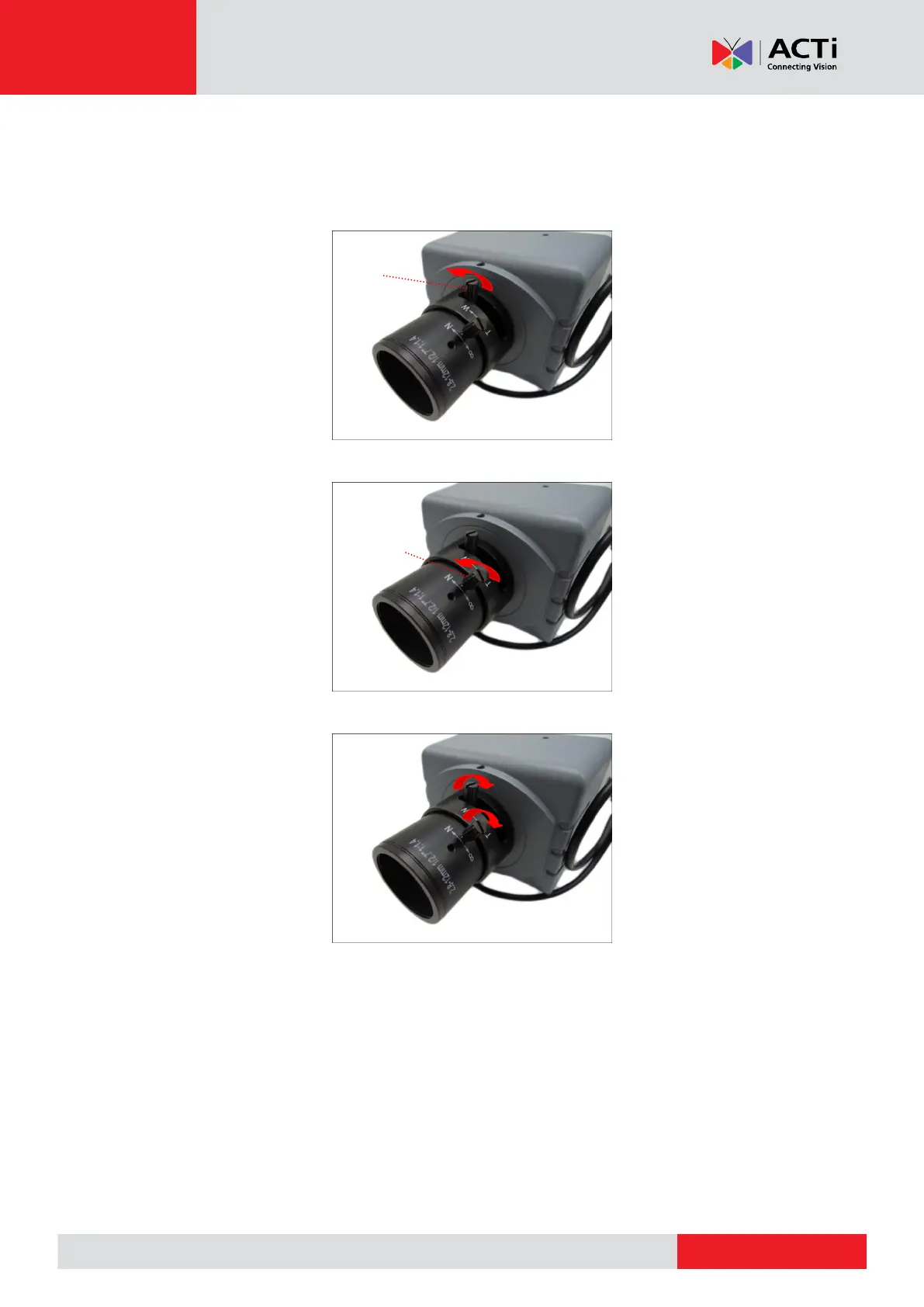
The camera comes with the focus and viewing angle already fixed. If necessary, do the following
to modify the focus and viewing angle.
1. Loosen the zoom lever screw, then turn left or right to adjust the viewing angle.
2. Loosen the focus lever screw, then turn left or right to adjust the focus.
3. When done, tighten the lever screws to fix their position.



 To Next Page