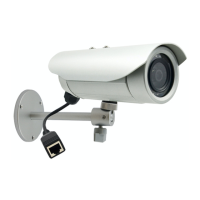
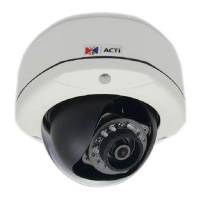
Need help?
Do you have a question about the ACTi E37 and is the answer not in the manual?
Step-by-step guide to installing the camera bracket.
Steps for mounting the camera onto the installed bracket.
Procedures for weatherproofing cable connections for outdoor use.
Steps for connecting the network and power cables to the camera.
Instructions for resetting the camera to its factory default settings.
Overview of IP address setup approaches for camera network access.
Steps to manually set PC and camera IP addresses for network access.
 General
| Brand | ACTi |
|---|---|
| Model | E37 |
| Category | Security Camera |
| Language | English |

 To Next Page