E43 Hardware User’s Manual
13
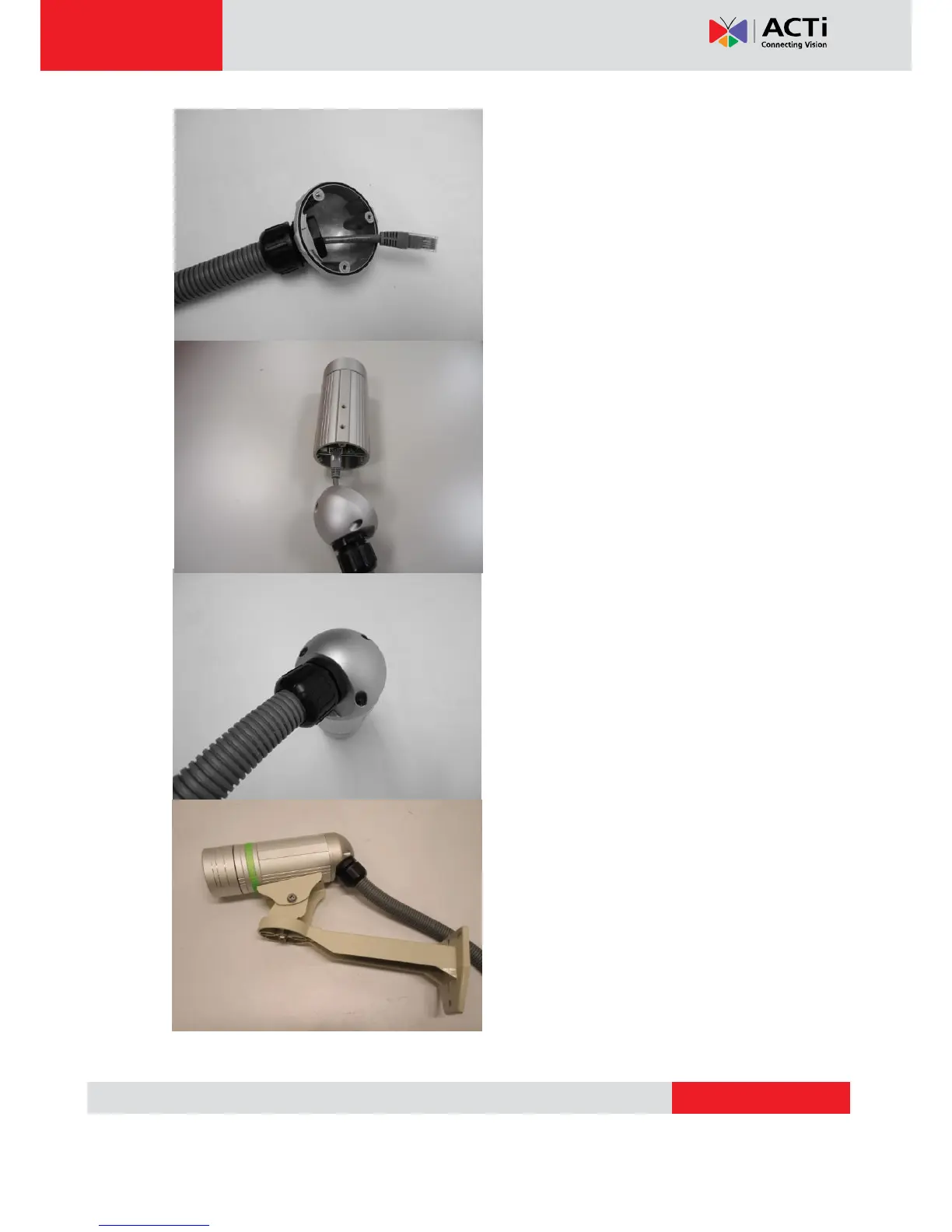
8. Tighten the domed sealing nut.
9. Plug the network cable into the
camera’s RJ-45 connector before closing
the back side of the camera. If you are not
using PoE and need an additional power
cord then please connect it at this stage,
too.
10. Tighten the screws of the back side of
the camera properly.
11. Finally, the bullet camera with properly
mounted flex conduit as well as with proper
outdoor bracket would look like this. The
camera is now ready to withstand even the
most severe rain storms.



 To Next Page