Installation Guide
15
Outdoor Installation Procedures with
Flex Conduit
The camera network cable is already waterproof, therefore only the Ethernet cable on the
network side needs conduit cabling solutions. Use the bundled conduit gland and flexible conduit
with 1/2” size for this installation. The flexible conduit is not included in the package.
Step 1: Prepare for Installation
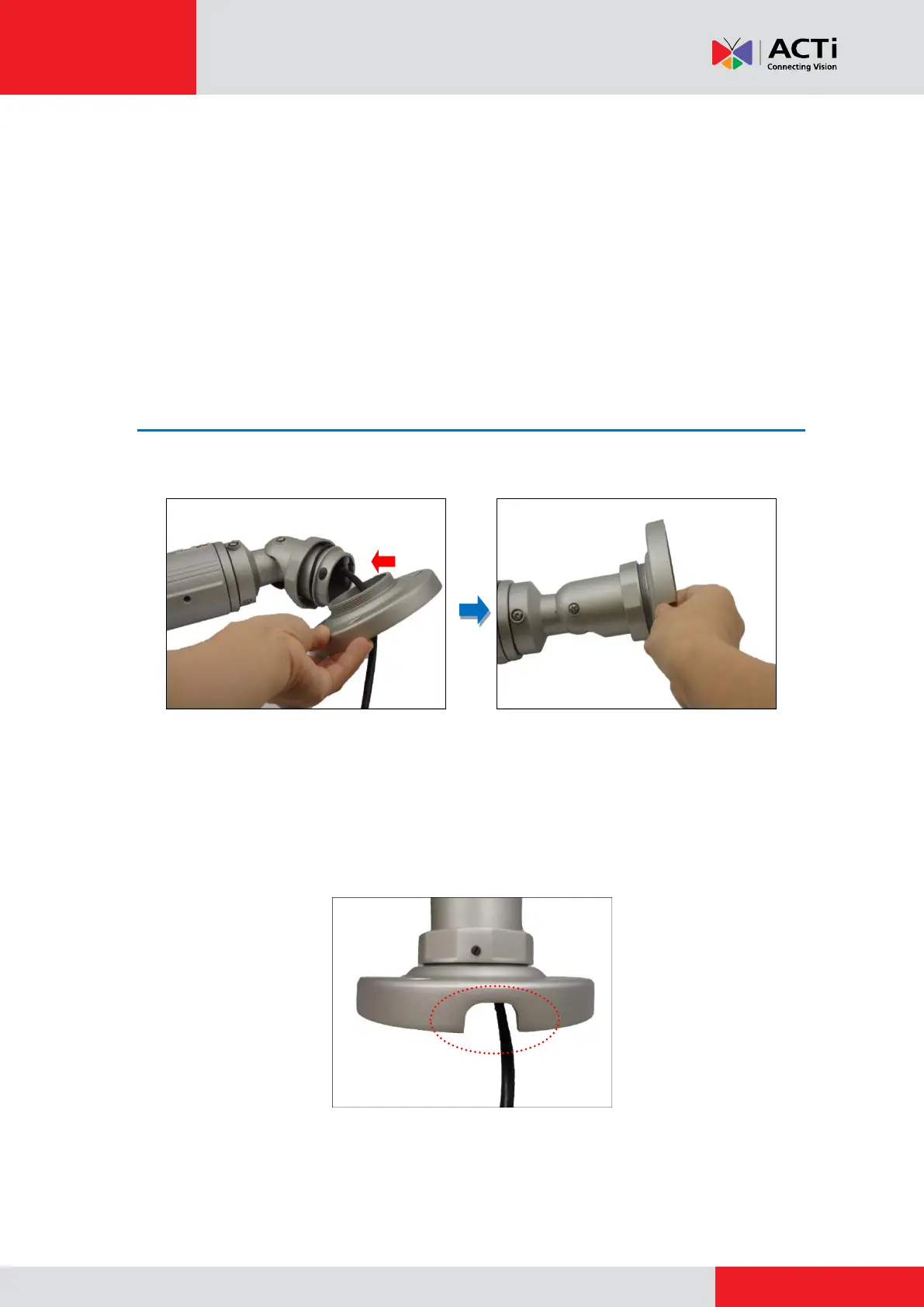
1. Attach the bracket to the camera.
2. Determine how the cables will be routed:
If the cables will pass through the ceiling, mark the cable hole location on the
ceiling as shown on the drill template.
If the cables will be routed along the ceiling:
a. Note that the cable should pass through the cable gap on the bracket.



 To Next Page