Installation Guide
22
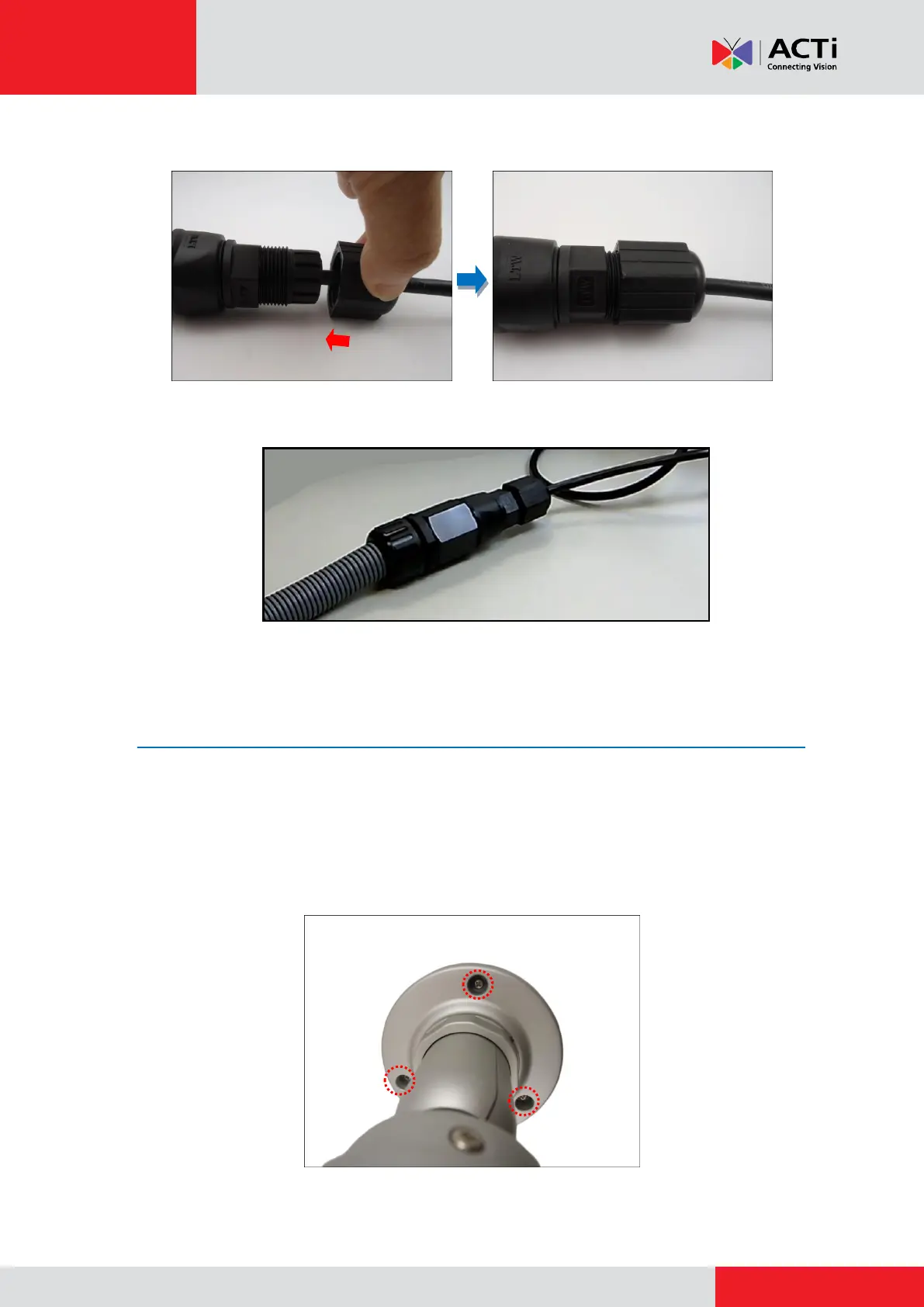
5. Attach the clamping nut to the main body.
The waterproof cable connection is complete.
Step 5: Install the Camera
1. If the cables will pass through the ceiling, push the cable through the hole on the ceiling.
2. Attach the camera to the surface using the three (3) supplied screws. If the cables will be
routed along the ceiling, be sure to route the cable through the gap of the bracket.



 To Next Page