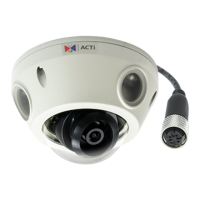
E92 Hardware User’s Manual
9
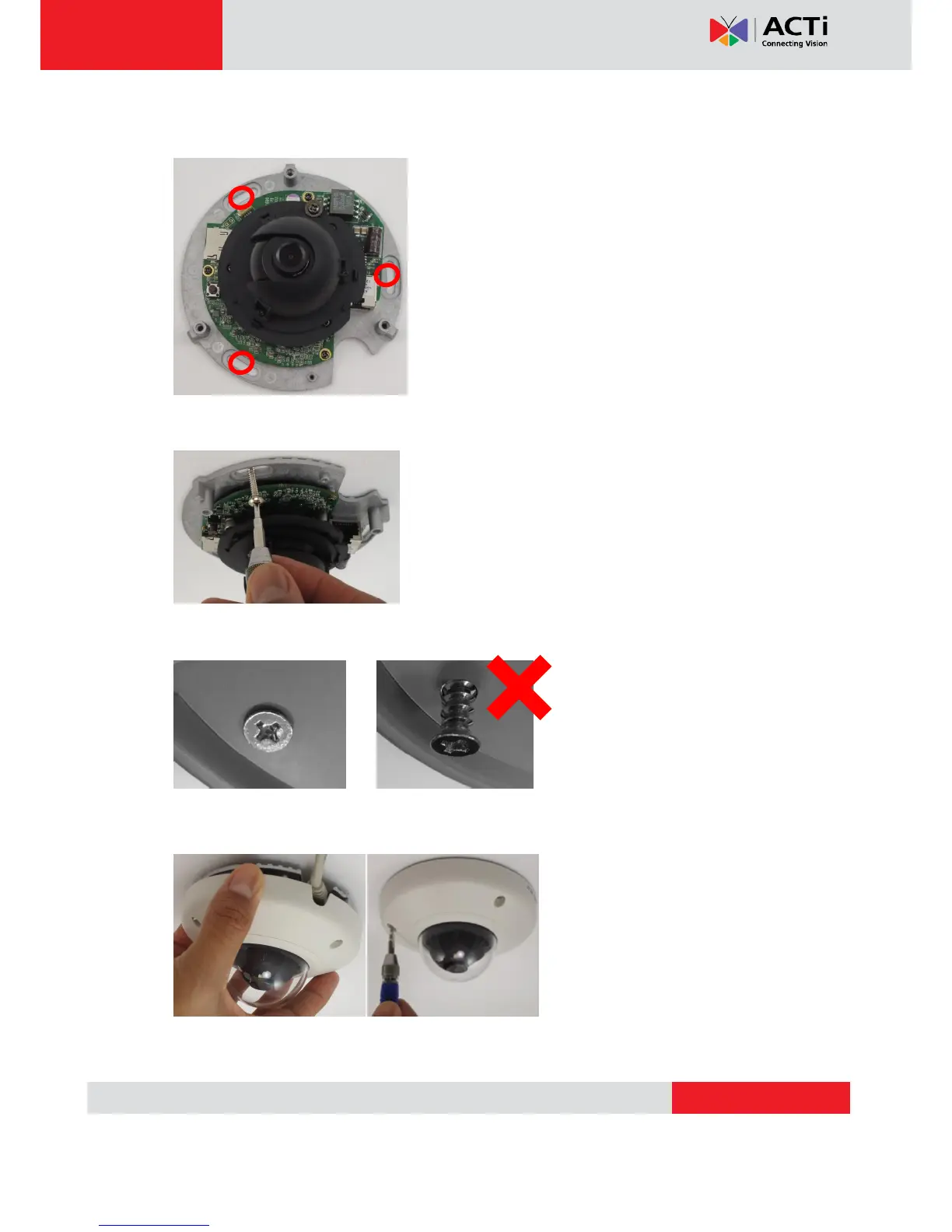
Use the camera body and locate the correct three screw holes.
Tighten the camera body to the ceiling using the 3 screws included.
Please make sure the screw is flat on the plate, protruding is incorrect.
Attach the cover back to the camera body and tighten the 3 screws.


 To Next Page