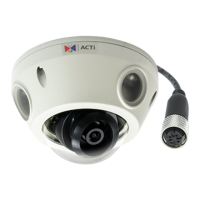
E92 Hardware User’s Manual
8
Installation Procedure
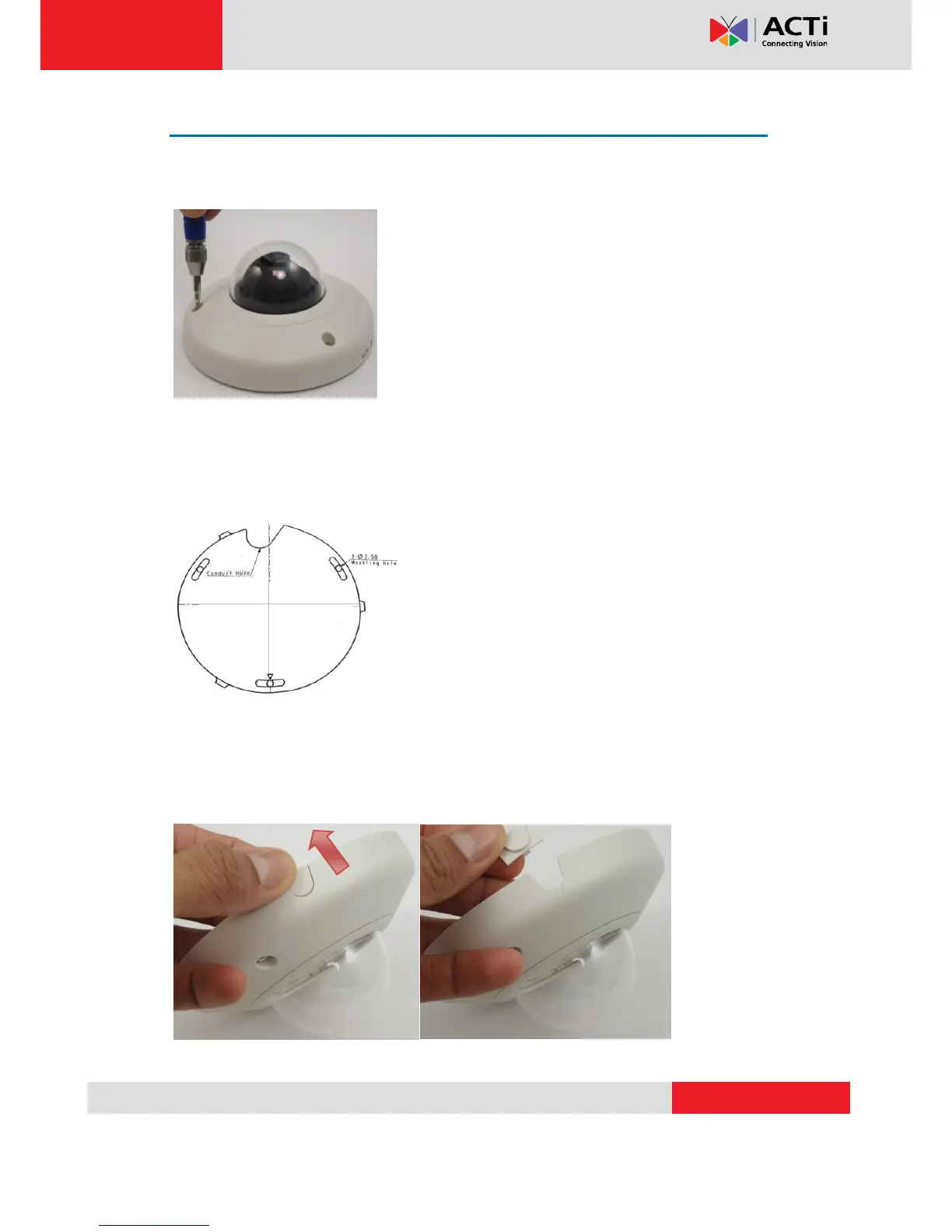
Remove the cover of the camera by loosen the 3 screws holding it.
Surface Mount
Drill three holes with φ3.5 on the ceiling according to the marks provided on the template.
Route cables through the ceiling, taking as a reference the Conduit Hole on the drilling
template. Or you may take off the removable part from the cable exit hole at the rear of the
cover by sliding it out from the cover to route the cable from the camera.


 To Next Page