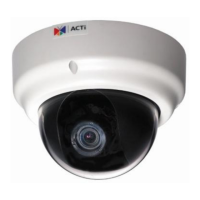
KCM-5511 Hardware User’s Manual
8
Physical description
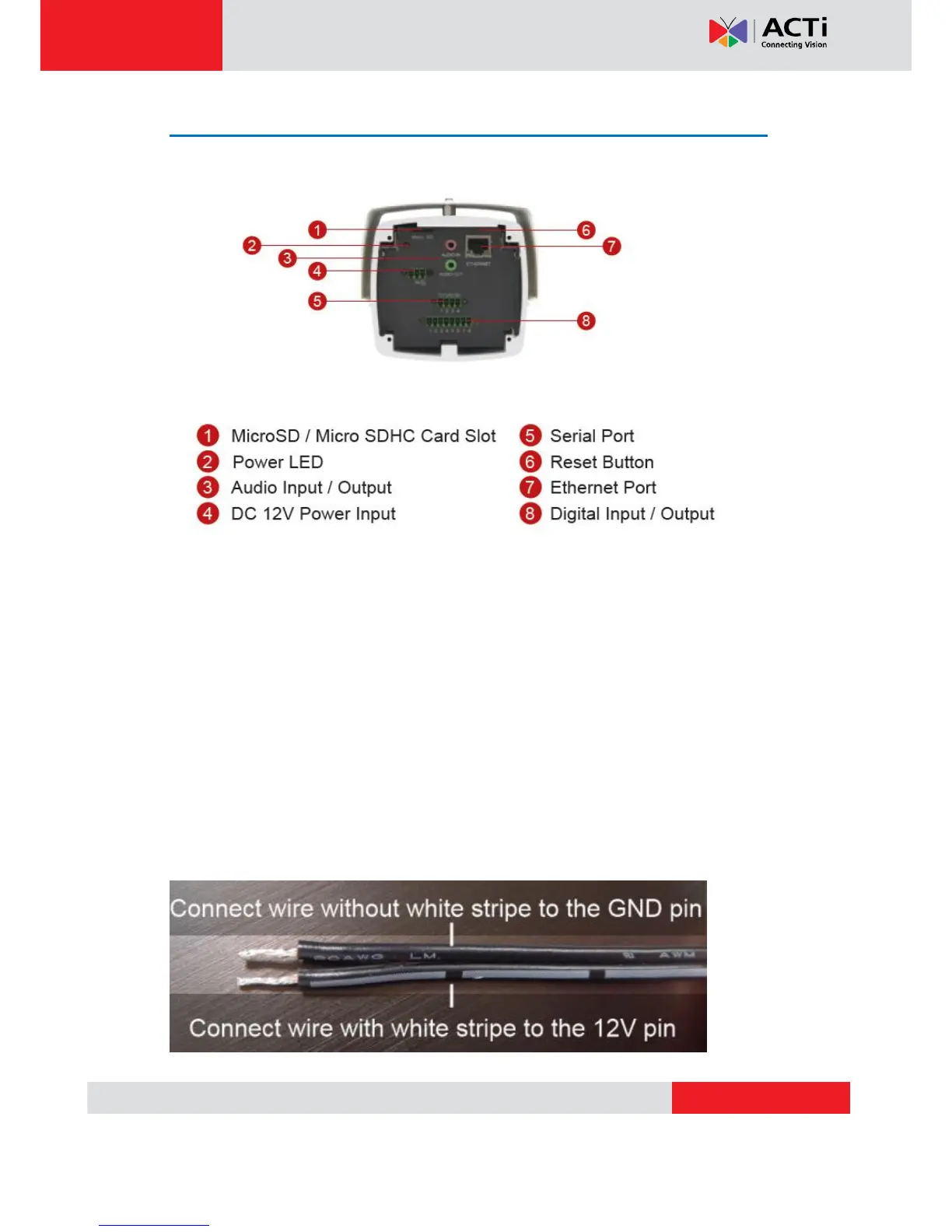
1) Micro SD / Micro SDHC Card Slot*
Insert your Micro SD card here for local recording on camera
2) Power LED
This LED light will indicate current camera status.
3) Audio Input / Output
The IP device supports audio input and output with earphone jack
4) Power Input
If you use Power Adaptor to run the device, please connect the power adaptor to the terminal
block in the way shown below.
5) Serial Port
This port connects to serial devices via RS-485 or RS-232 protocols.


 To Next Page