Hardware Manual
33
Widgets
Widgets are small applications that display useful information like Ticker (RSS feed or scrolling
text), Rich text (static text), weather display, clock etc.
In this section you can add a widget from our existing collection, or create and upload your own
widget.
Managing Widgets
In the "Widgets" section, you can see a listing of the widgets currently uploaded into your
account. It provides the following columns:
the Name of the Widget
the Type of the Widget
an Actions column, with 3 buttons for making changes
On this page, you can:
Change the details of a Widget by clicking the blue "Edit" button. Here, you
can also substitute the actual widget, and it will be changed wherever it is used.
Check out the "Adding a Widget" section below for details on the fields.
Duplicate the widget, by creating a copy
Delete a single widget. The widget will be removed from any Playlists or
Shows that was previously used, and it will not be available in the portal for future
use.
Delete multiple widgets. Click on the widgets you want and press on the delete
button of just one.
Search for a specific widget using the search tool.
Adding a Widget
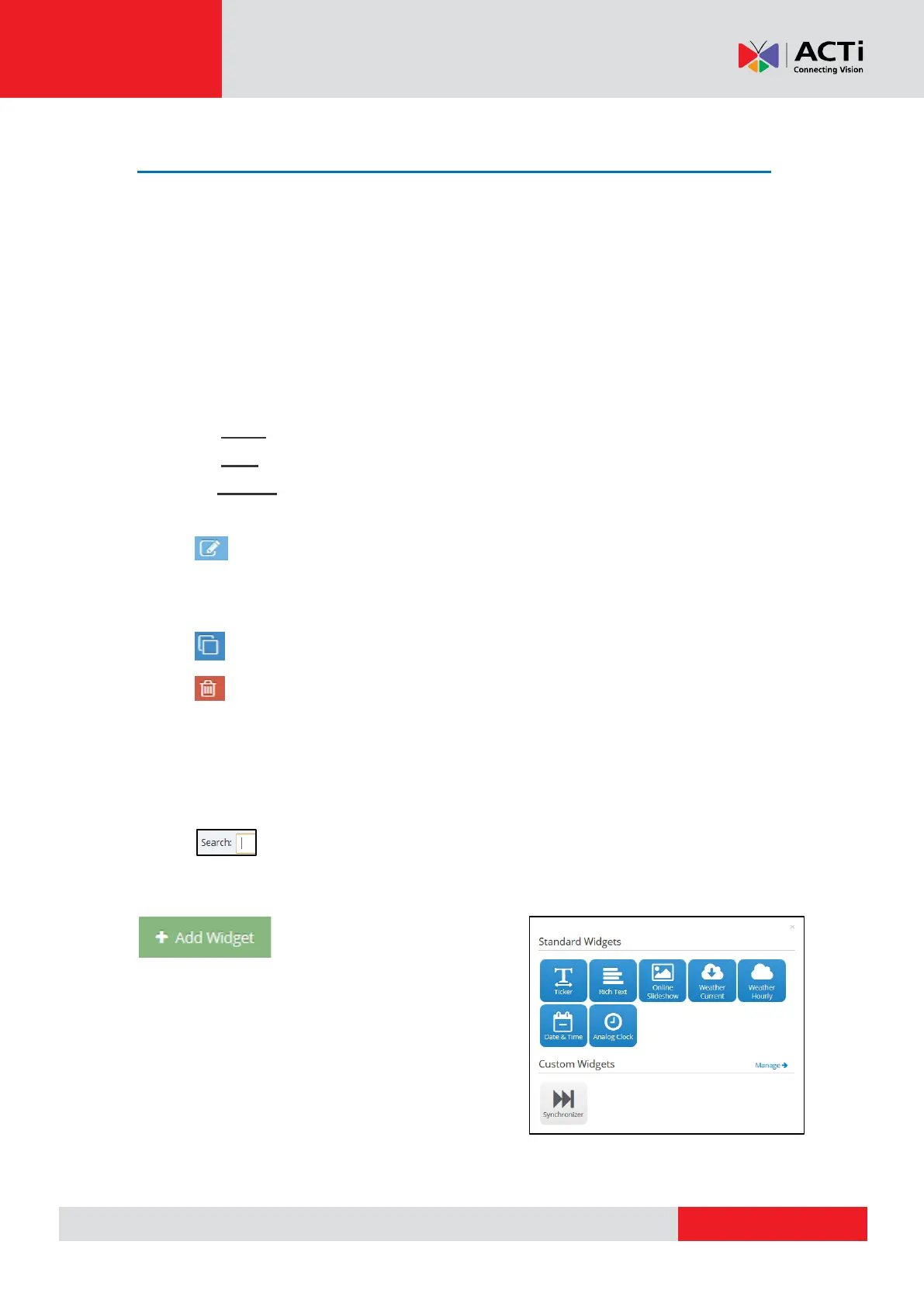
To add a widget click on "Add Widget" button found on
the bottom of the Widgets listing.
Then you have to choose between
Standard Widget
Custom Widget
REMEMBER: After making changes in your Account,
you need to Push Changes to your Monitors



 To Next Page