Hardware Manual
37
Custom Widgets
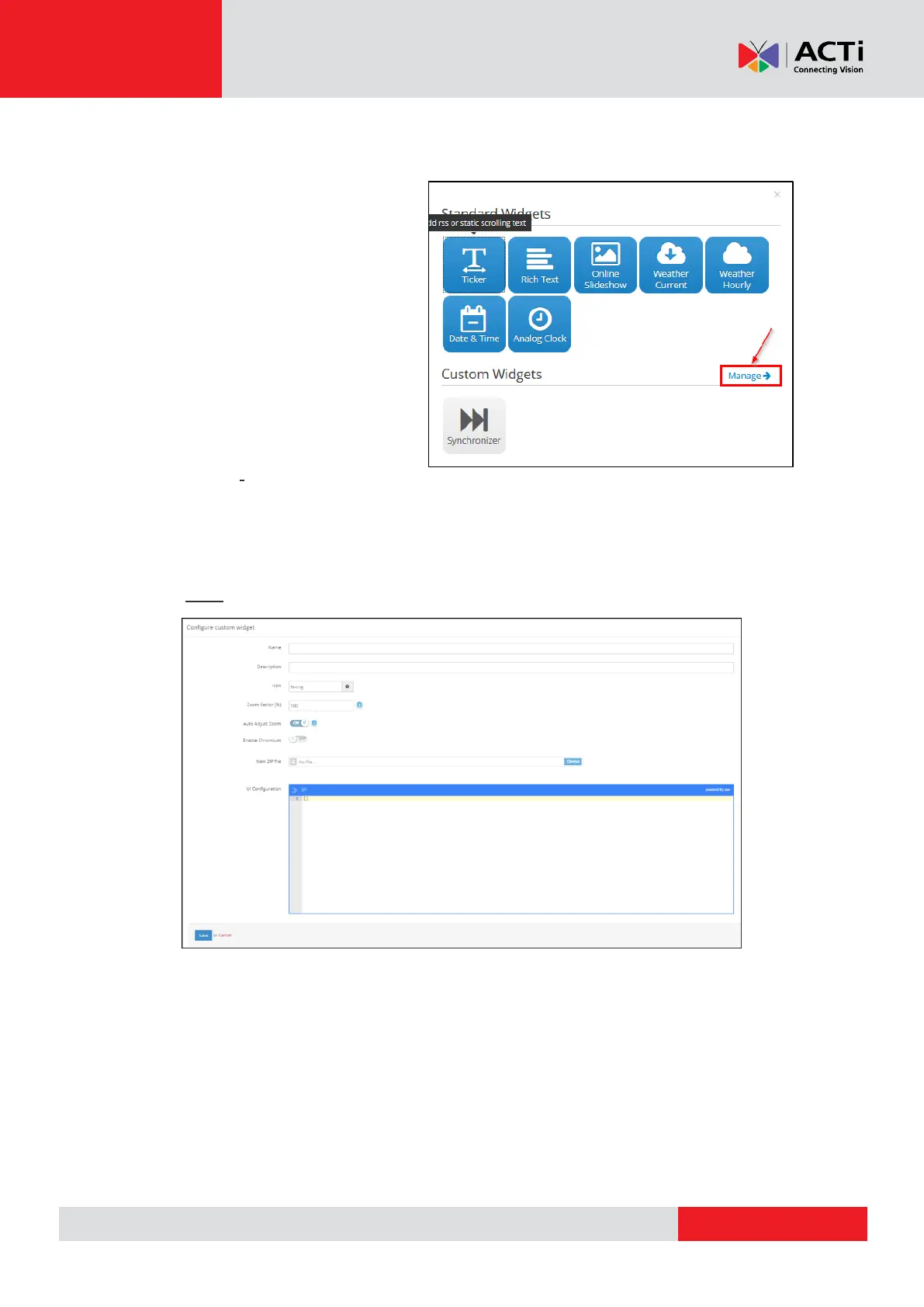
In order to upload your own custom
widgets, click on "Manage" and then
on "Create" button.
As a next step you are requested:
the Name of the widget
choose an icon for your
widget
an optional Description for it
define the Zoom Factor (%)
toggle Auto Adjust Zoom
choose if you want to Enable Chromium
upload your ZIP file
write down the UI Configuration
Click "Save" to upload your custom widget.
You can check our Custom Widget Developer’s Guide for further instructions on how to
create your own widgets.
REMEMBER: After making changes in your Account, you need to Push Changes to your
Monitors.



 To Next Page