Hardware Manual
41
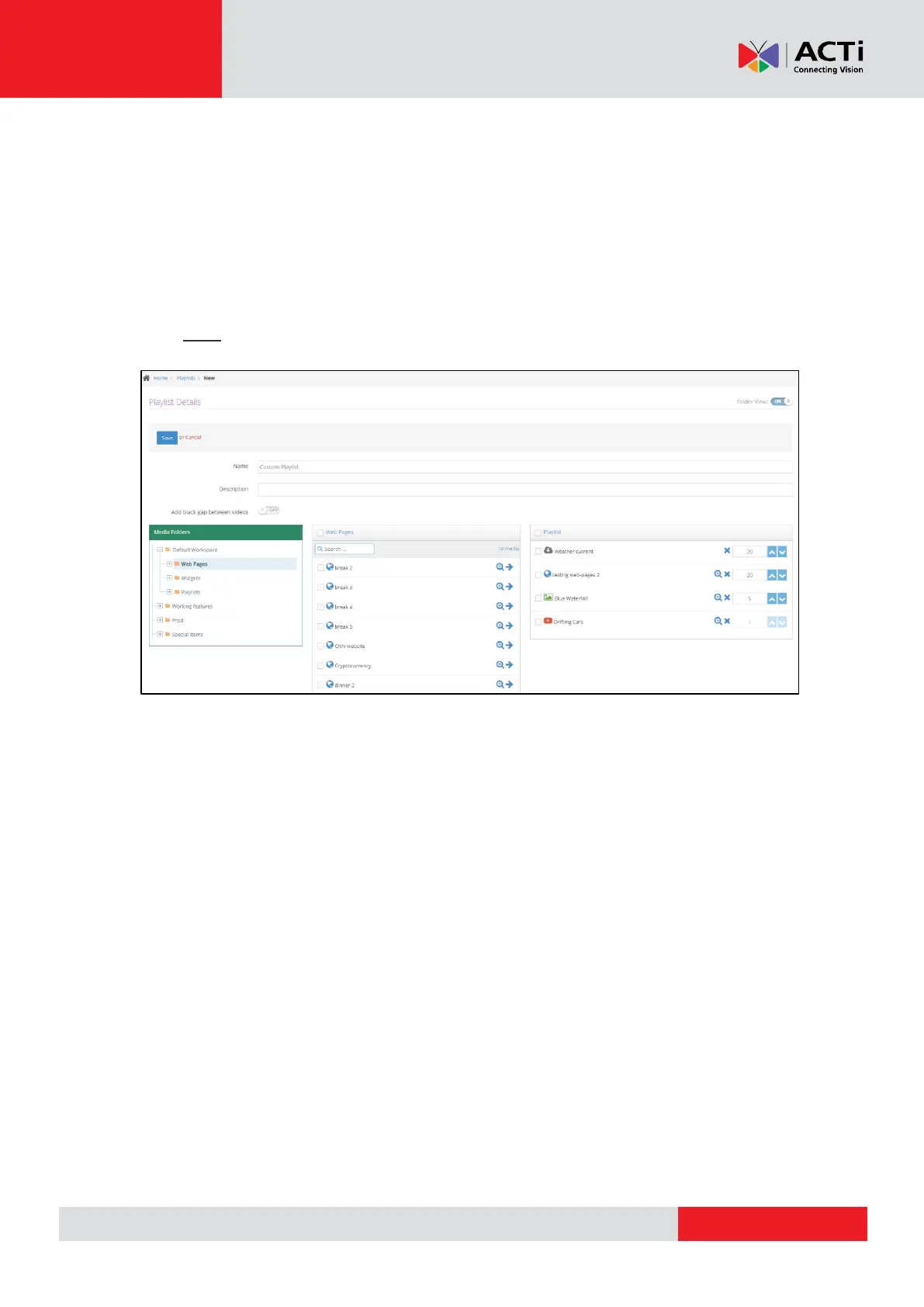
To change the position of the media files just 'drag-and-drop' them in the order you
want.
To change the default duration of Image files' display on the playlist (5 secs), either
type the right one or use the blue arrows "UP/DOWN" respectively.
To change the default duration of Media display on the playlist (in secs), either type the
right one or use the blue arrows "UP/DOWN" respectively.
Click "Save" to create your playlist.
REMEMBER: After making changes in your Account, you need to Push Changes to your
Monitors.



 To Next Page