Hardware Manual
49
After saving the schedule, make sure you have assigned it to your Monitor from the Monitor
configuration. Do not forget to press the "Push to Players" button.
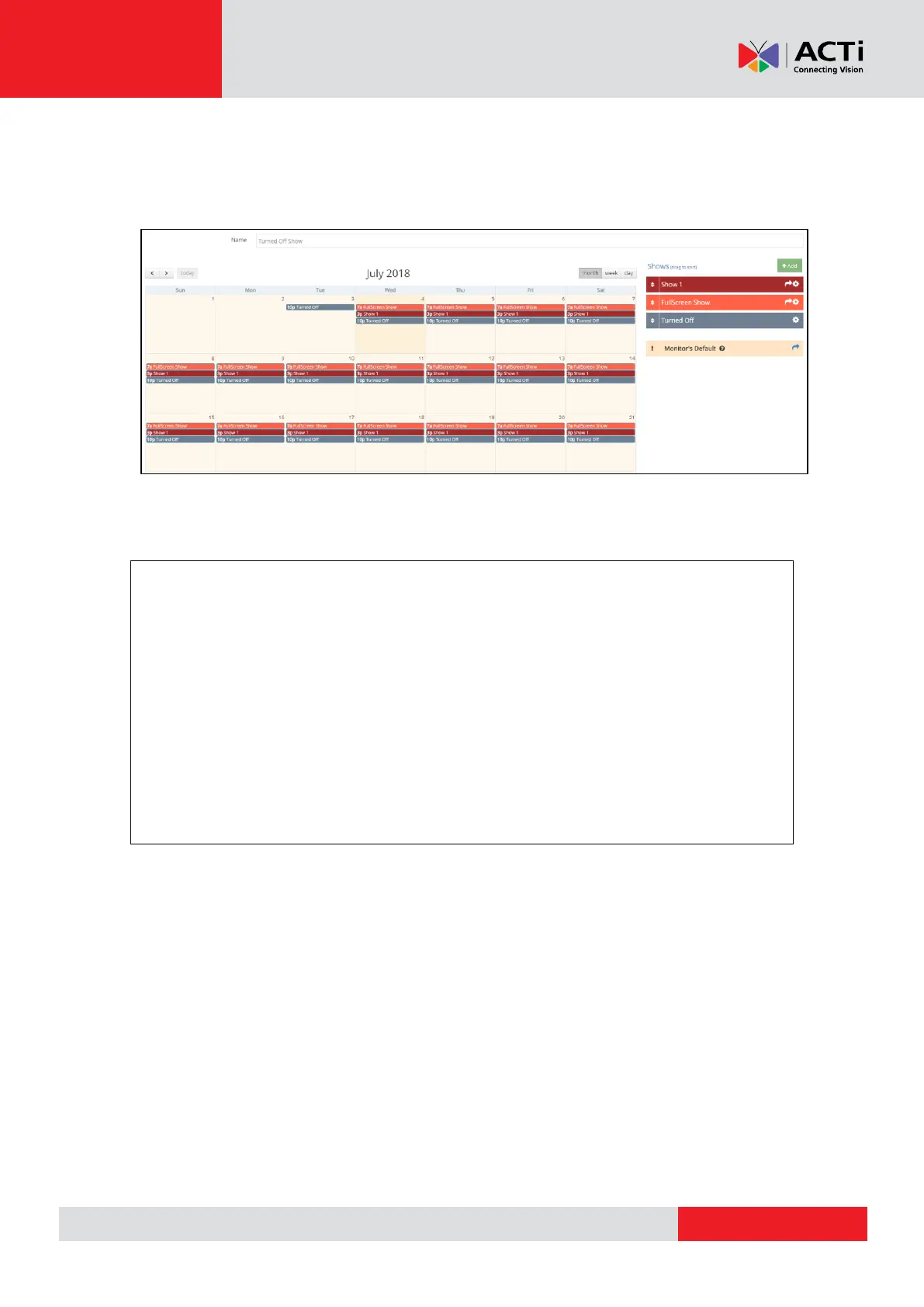
Example of the above configuration:
Keep in mind that the default show of the Monitor will only be used to fill in any empty
time-slots in the assigned Schedule.
* CEC Option
The Player includes a CEC adapter on its HDMI monitor port. CEC is a standard
communication protocol supported by most major TV manufacturers. It allows for a playback
device to power on, power off, and switch video inputs on a CEC-enabled TV.
If your monitor does not support CEC (e.g. you have a computer monitor), the Player turns off
the HDMI port to allow for the monitor to power-down by itself. This function is supported by all
current computer monitors, even some TVs.
If you are using a PC as the Player, CEC is not supported at all. The software will attempt to
turn off the HDMI/VGA port, but this might not be supported by your hardware. Same goes if
you use an HDMI-to-VGA adapter on your Player.



 To Next Page