Hardware Manual
53
3. After saving the new schedule, make sure you have assigned it to your Monitor
from the Monitor configuration. Do not forget to press the "Push to Players"
button.
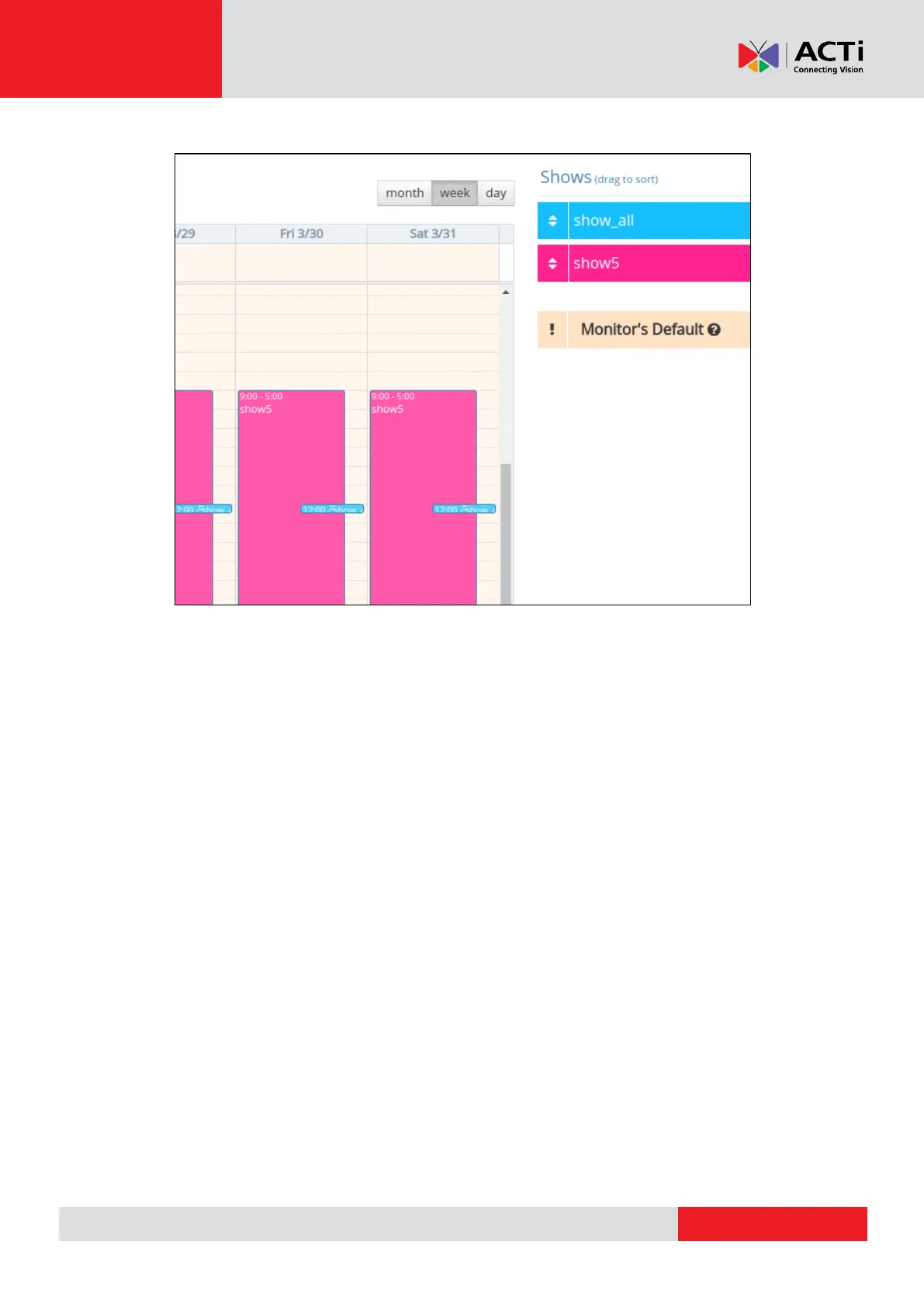
With the above configuration :
the show5 will play from 9:00-12:00
show_all will play from 12:00-12:15 and (because the show_all has greater
priority over show5)
show5 will continue to play from 12:15 until 5:00
Regarding the priority that you give to your Schedule, the "show_all" will overlap the
"show5" when it comes the time to start playing.
Schedules have priority over Default Shows. If a Show is assigned as Default Show to the
Monitor and a Schedule is also assigned, the Default Show will be displayed on the
screen between the gaps of the Schedule.
Turning On/Off Your Screen
In the Schedule section, the first show that appears in the listing of all available/created Shows
in your account is the “Turned Off” show. By setting this in a Schedule results in automatically
turning off your monitor.
REMEMBER: After making changes in your Account, you need to Push Changes to your
Monitors.



 To Next Page