Hardware Manual
15
Step 2: Mount the Camera
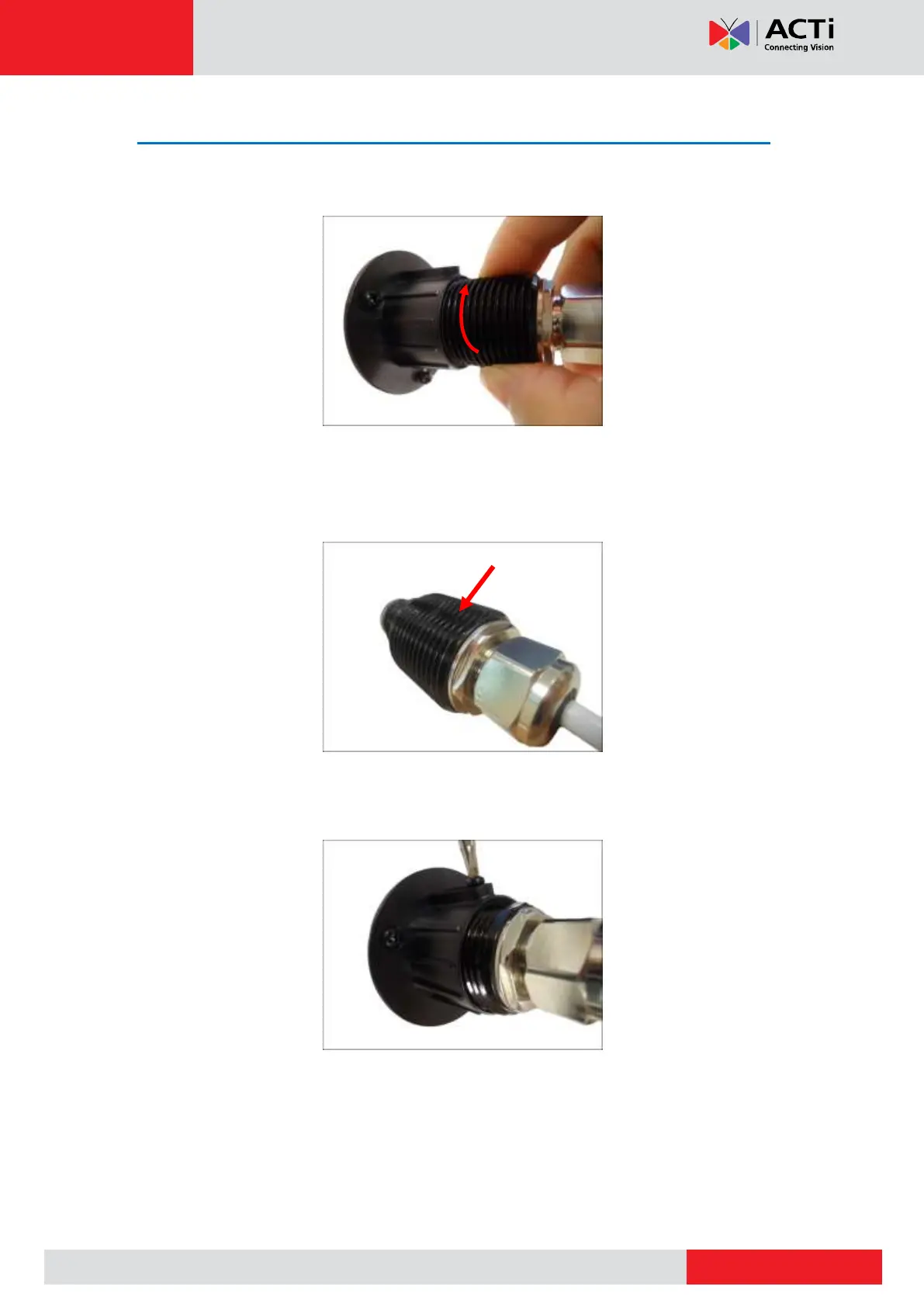
1. Screw the camera to the flush mount. The depth of installing the camera through the flush
mount varies on the thickness of the wall.
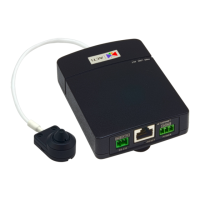
2. When the correct depth is reached, make sure the flat area on the lens module is aligned
with the set screw holes (either upward or downward). The flat area indicates the correct
viewing orientation of the camera.
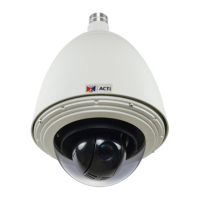
3. Attach the set screw to one of the holes on the flush mount to fix the depth of the lens
position.


 To Next Page