Hardware Manual
25
Connecting Serial Devices (Optional)
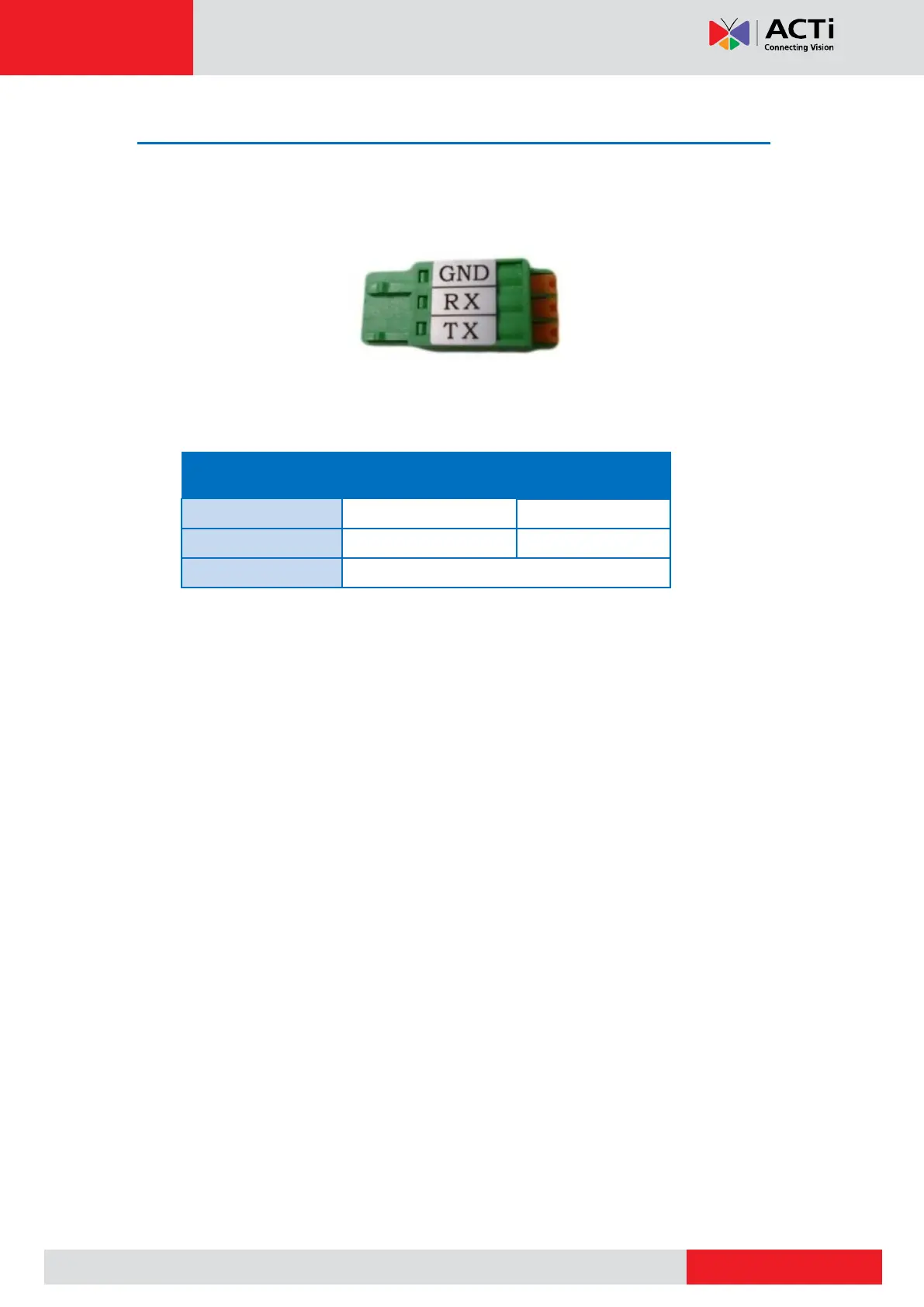
Depending on your needs, you may connect a serial device to the main unit. In this case, you
need to connect the serial device to the supplied RS-232 terminal block.
To connect a serial device, map the pins as below:
Press and hold the orange tab as you insert the wire through the pin slot, then release the
orange tab to secure the wire.



 To Next Page