Encoder Hardware Manual
14
Making Connections
This section describes how to connect the encoder to the power, network and analog cameras. It
also describes the procedures in preparing the external devices that you can connect to the
encoder. The encoder supports Digital Input and Output (DI/DO), Audio Input and Output devices,
as well as Serial Port Communication via RS-485 / RS-422 protocol using the bundled terminal
blocks. The use of these devices, however, is optional.
Connection Architecture
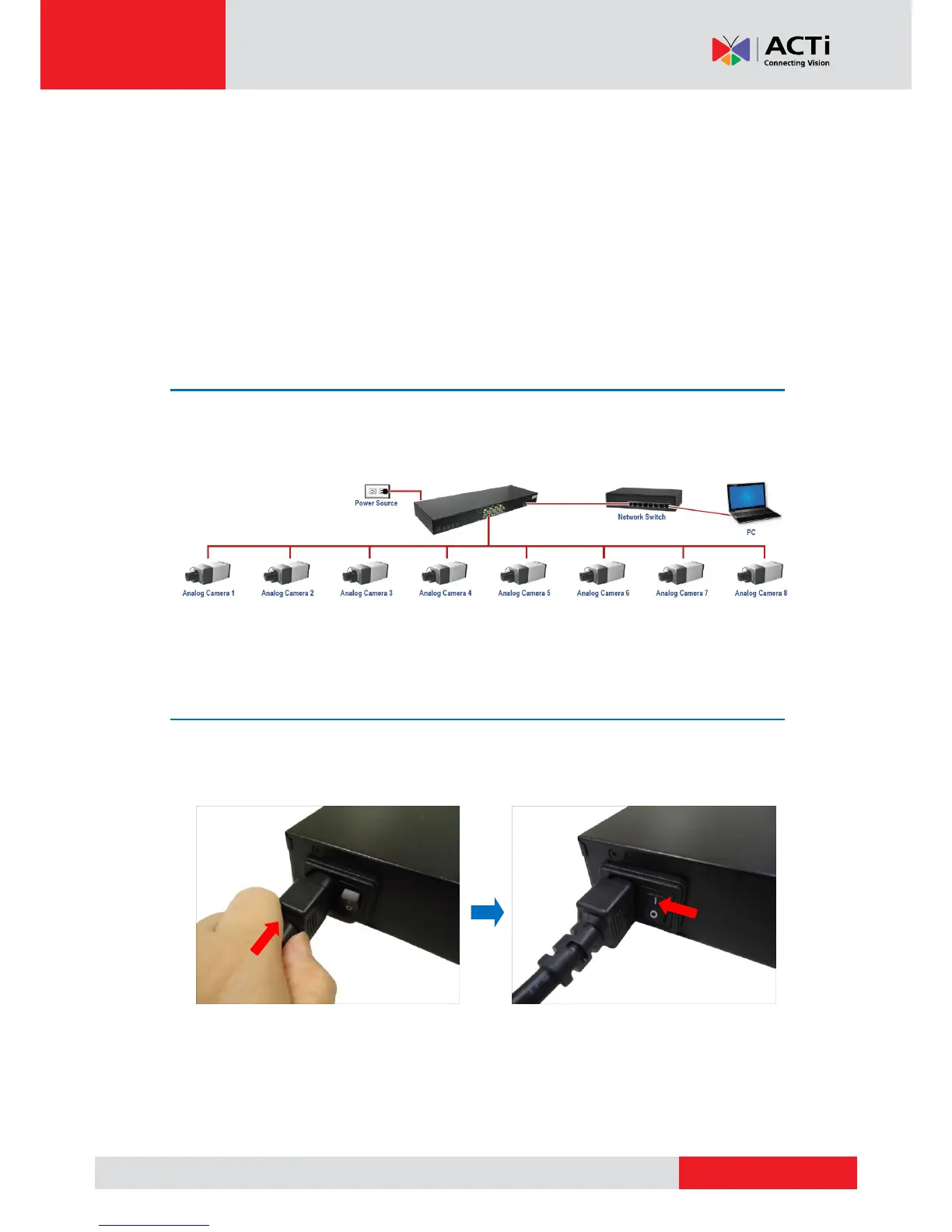
The diagram below is an example of the basic connection within a local network.
Connecting to Power
Plug the bundled power cord to the AC Power Input port of the encoder. Then, press the Power
switch to turn on the encoder.
NOTE: Use only the bundled power cord that came with the encoder.



 To Next Page