Encoder Hardware Manual
22
Connecting an Audio Output Device
The encoder has one audio output port that is shared by all the video channels. Any audio that is
remotely inputted through the Web Configurator, Network Video Recorder, etc. can be heard
through the connected audio output device.
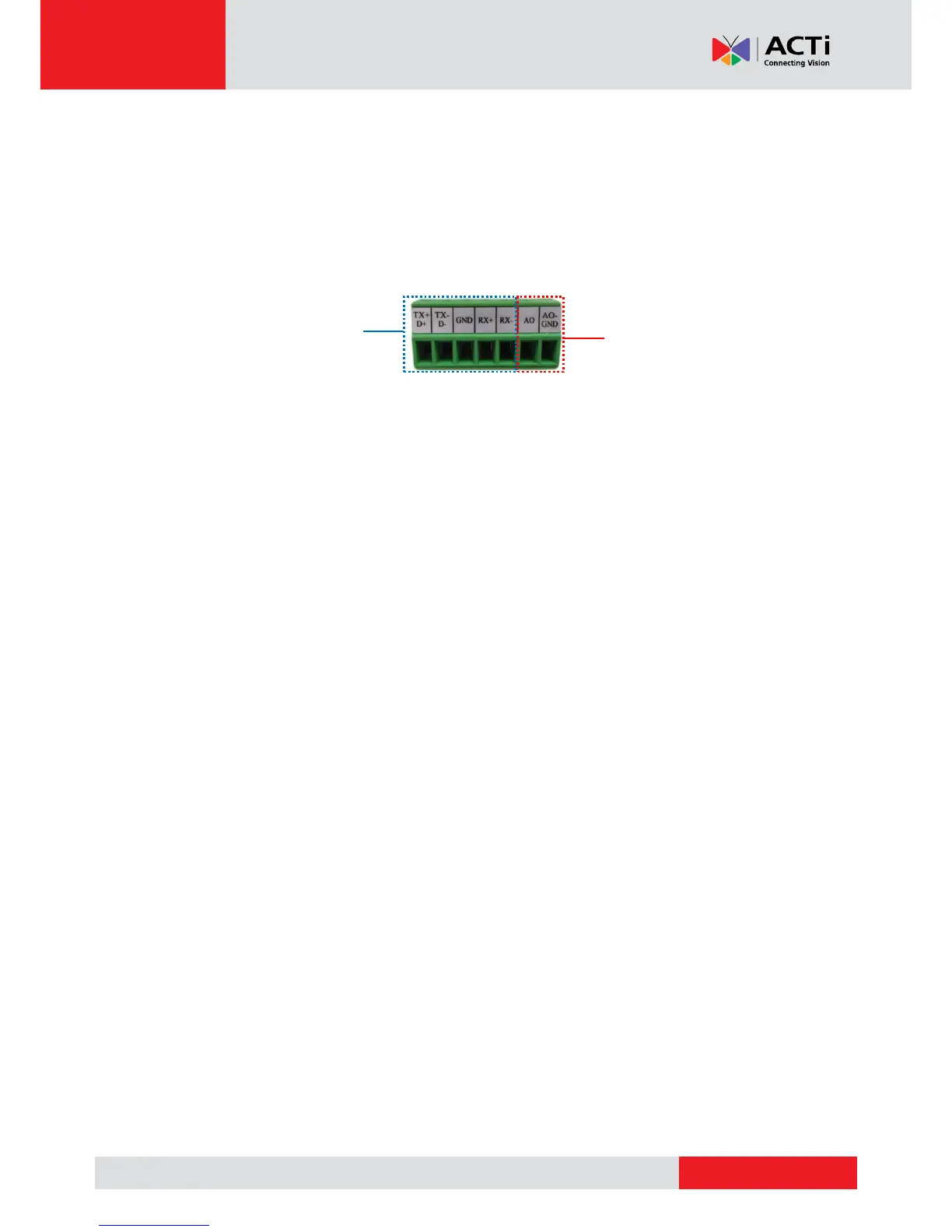
The audio output (AO) port shares the same terminal block with RS-422 / RS-485 Port 1.
NOTE: To ensure optimum performance, use active or powered speakers for audio out.
To connect an audio output device, do the following:
1. Loosen the screw of the pin and insert the wire through the pin slot.
2. Connect the wires of the audio output devce to AO and AO-GND.
3. Tighthen the screws to secure the wires within the pin slot.
4. Connect the speaker to a power souce.



 To Next Page