Encoder Hardware Manual
23
Connecting a Serial Device (Optional)
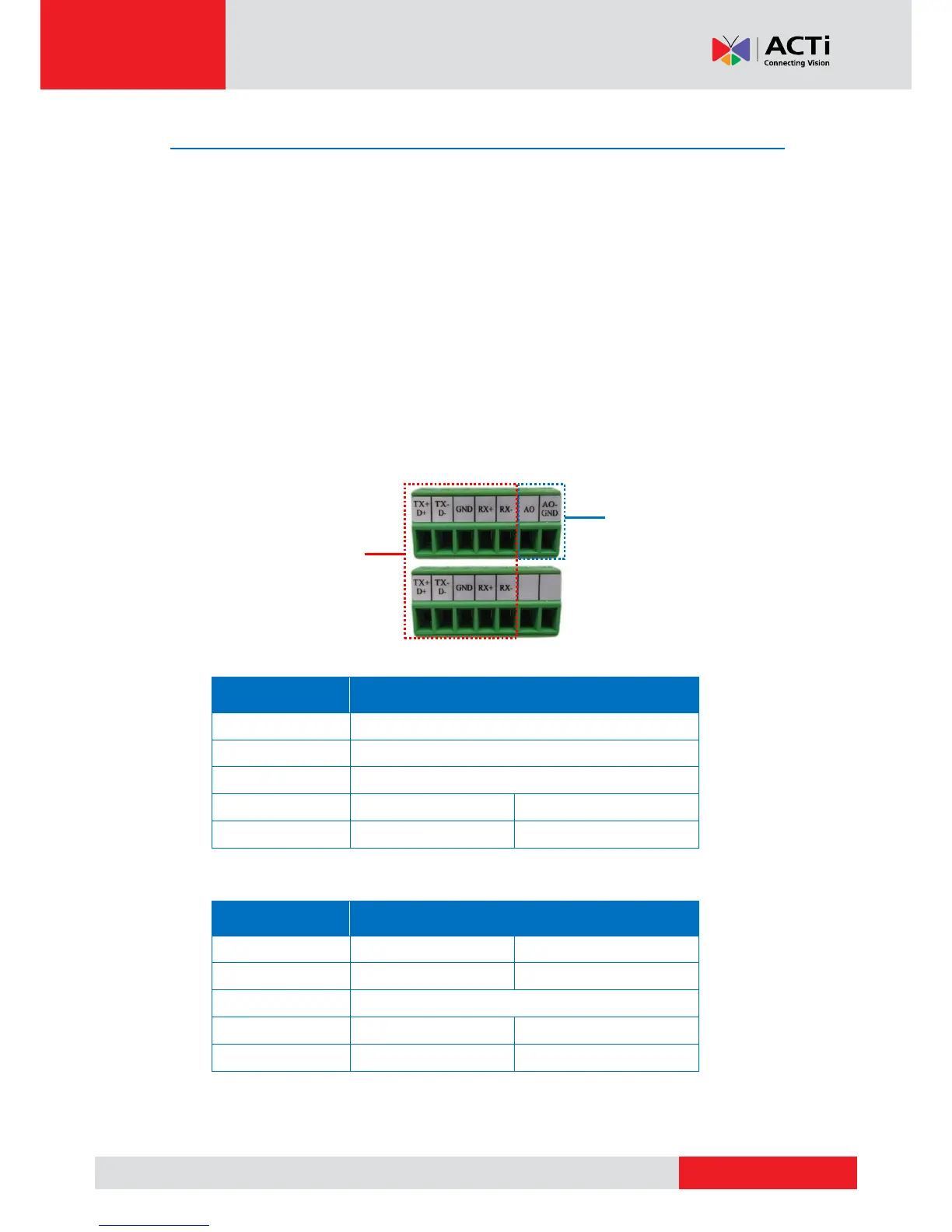
The encoder can be connected to a camera with Pan-Tilt (PT) functions or a PT Scanner (Pan-Tilt
Head) using the serial port connector. This allows the encoder to do pan and tilt using protocols,
such as Pelco-D, etc. Most PT devices accept protocol commands via RS-485 or RS-422
connection, which are both supported by the encoder. There are two (2) serial communication
ports available on the encoder.
Check the connection available on the PT device and connect it to the encoder following the
procedures below.
1. Loosen the screw of the pin and insert the wire through the pin slot.
2. Map the wires from the PT device to the encoder using the supplied terminal block according
to one of the tables below.
Via RS-485 Connection



 To Next Page