EasyManua.ls Logo

ACTi V31 - Page 17

ACTi V31
31 pages
Print Icon
To Next Page IconTo Next Page
To Previous Page IconTo Previous Page
Loading...
www.acti.com
Encoder Hardware Manual
17
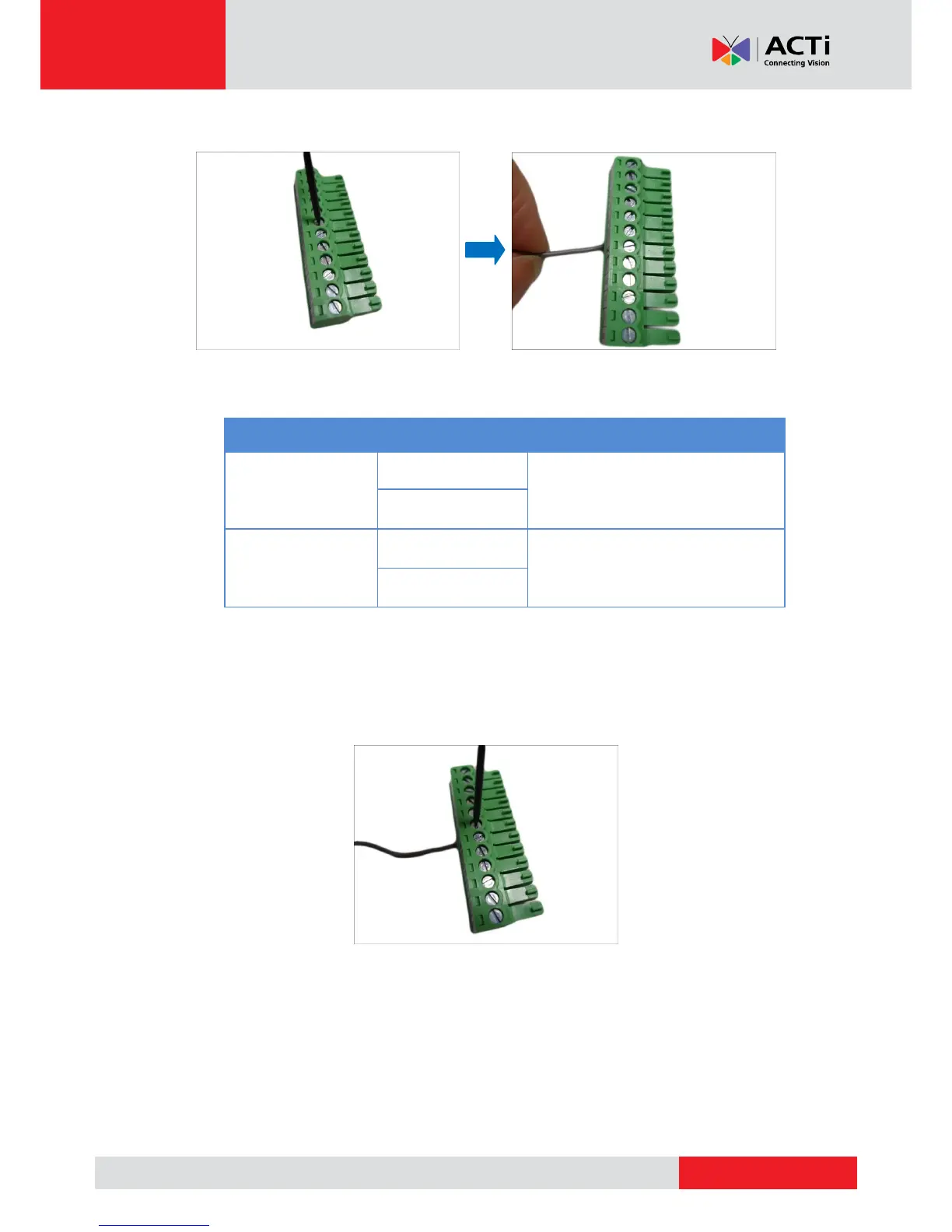
1. Loosen the screw of the pin and insert the wire through the pin slot.
2. To connect digital input / output devices (DI/DO), map the pins to one of the pin combinations
below:
Device
Pin Label
Mapping Instructions
Digital Output (DO)
DIO (port number)
Connect the wires of the output
device to a DIO and DIO 12V.
DIO 12V
Digital Input (DI)
DIO (port number)
Connect the wires of the input device
to DI and DIO GND.
DIO GND
NOTE: For every digital output device, a wire must also be mapped to the 12V pin. Same
with for every digital input device, a wire must also be mapped to the GND pin. The GND and
12V pins may be mapped with more than one device.
3. Tighten the screws to secure the wires within the pin slot.

Other manuals for ACTi V31

Related product manuals