Hardware Manual
8
Package Contents
Contact your local dealer if the package is damaged or incomplete. The attachments may vary
with models, please see the actual model for details.
Camera x1
User Document x1
Accessory Pack x1
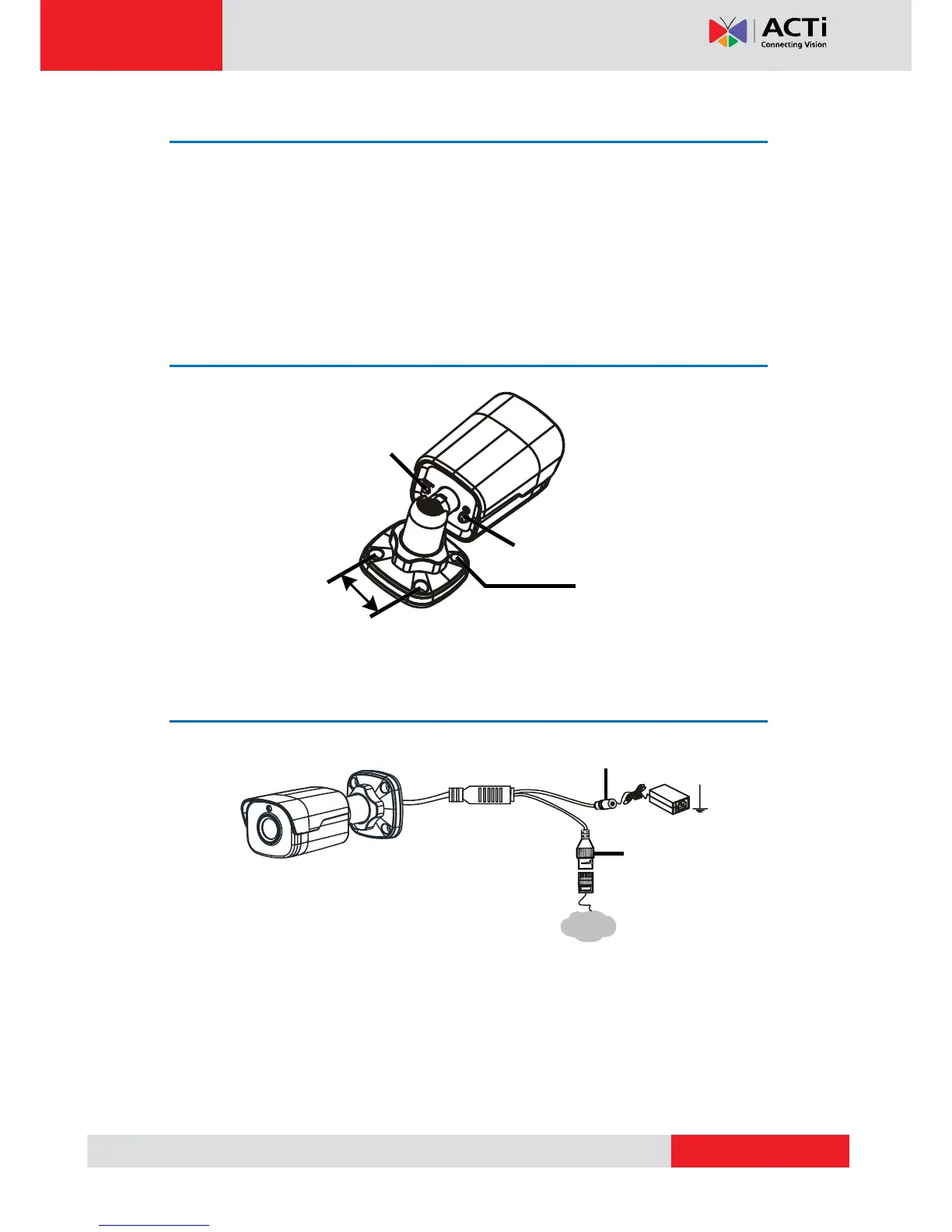
Physical Description
Cable Connection
NOTE:
For specifications, see the latest product datasheets.
Press and hold the RESET button for at least 15 seconds to restore factory default
settings. Perform this operation within 10 minutes after the device is powered on
or the reset will fail otherwise.



 To Next Page